
RTX PRO 6000 AI Workstation
Enterprise-grade workstation with professional ECC GPU memory and certified driver support.
We help you choose, configure, and deliver the right system. No obligation.
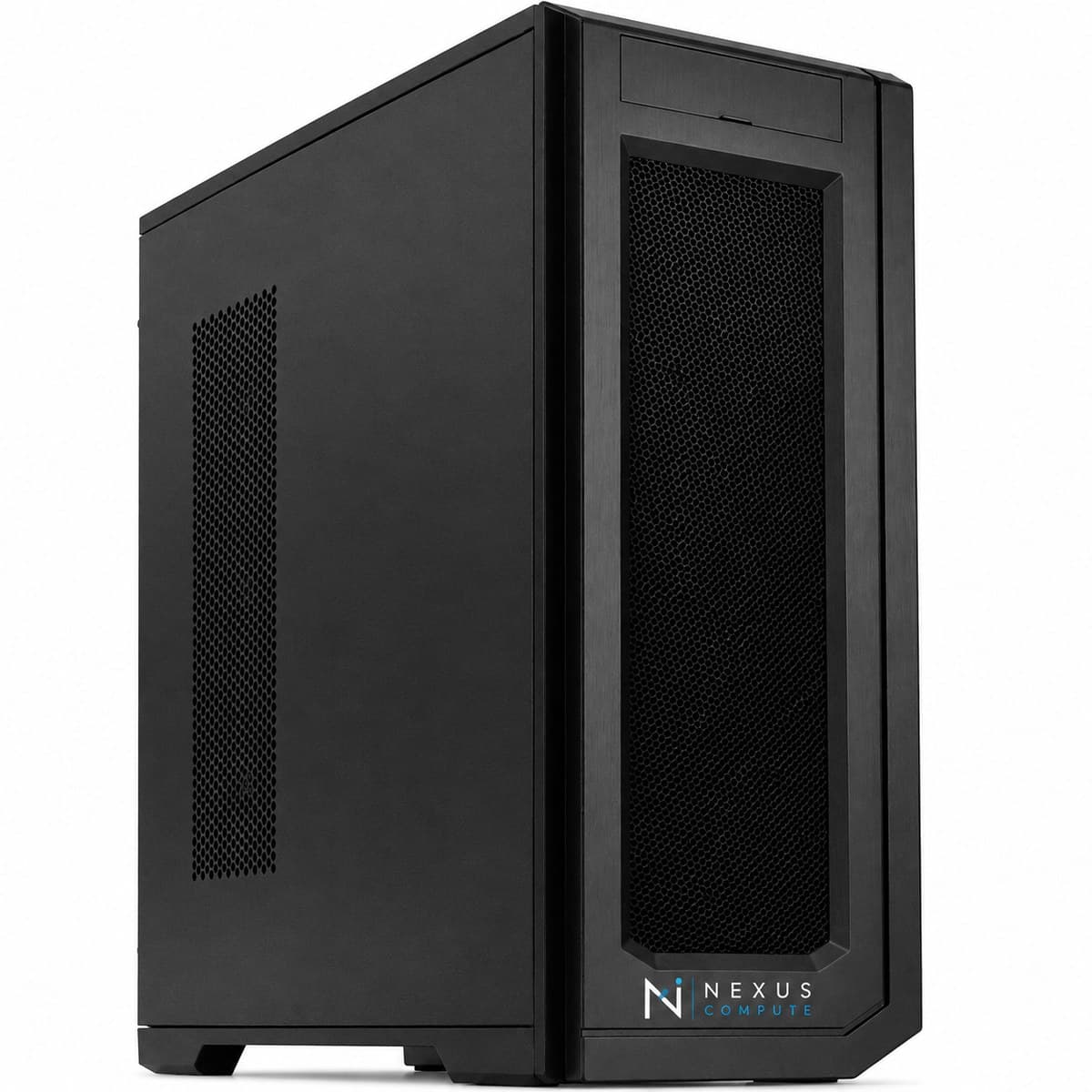
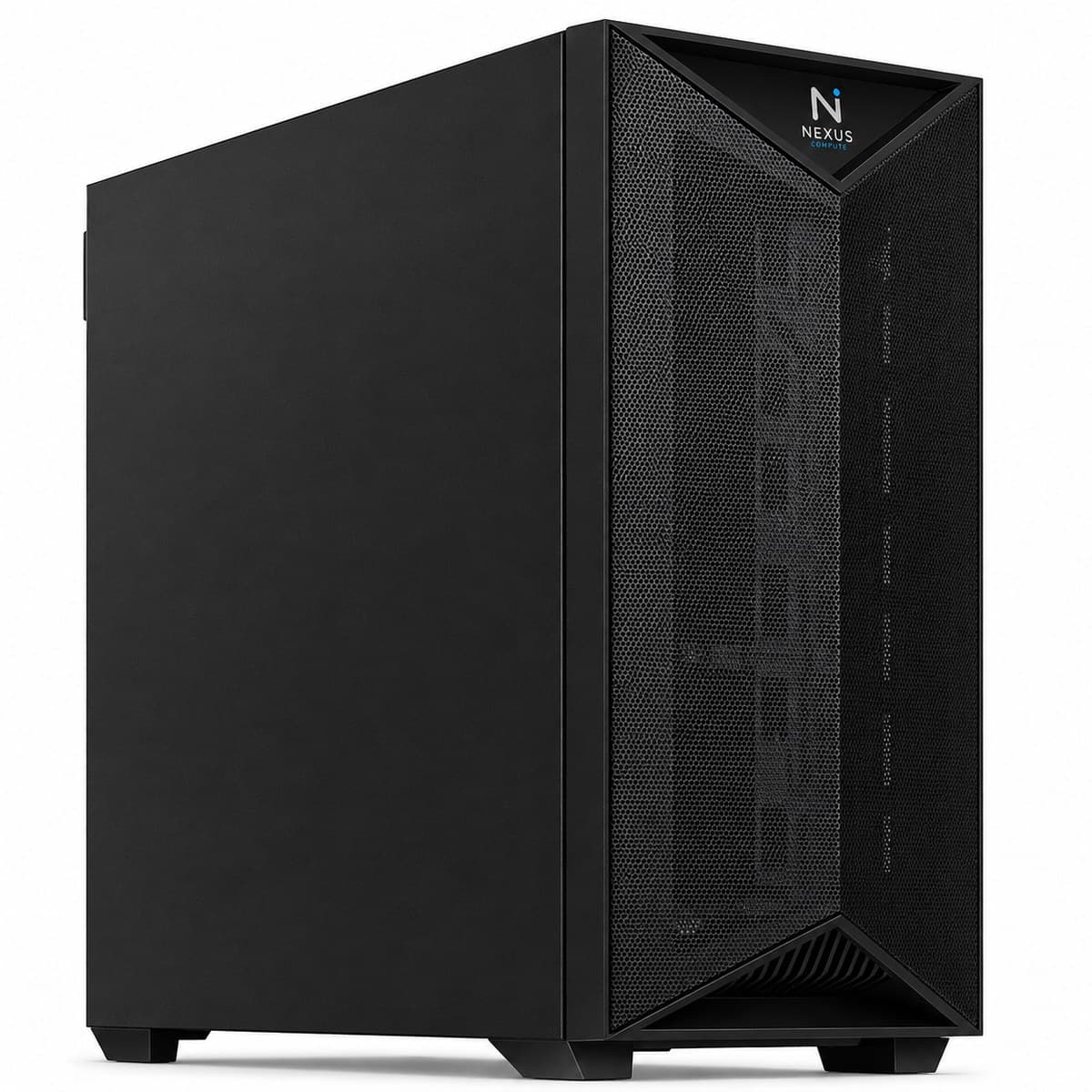
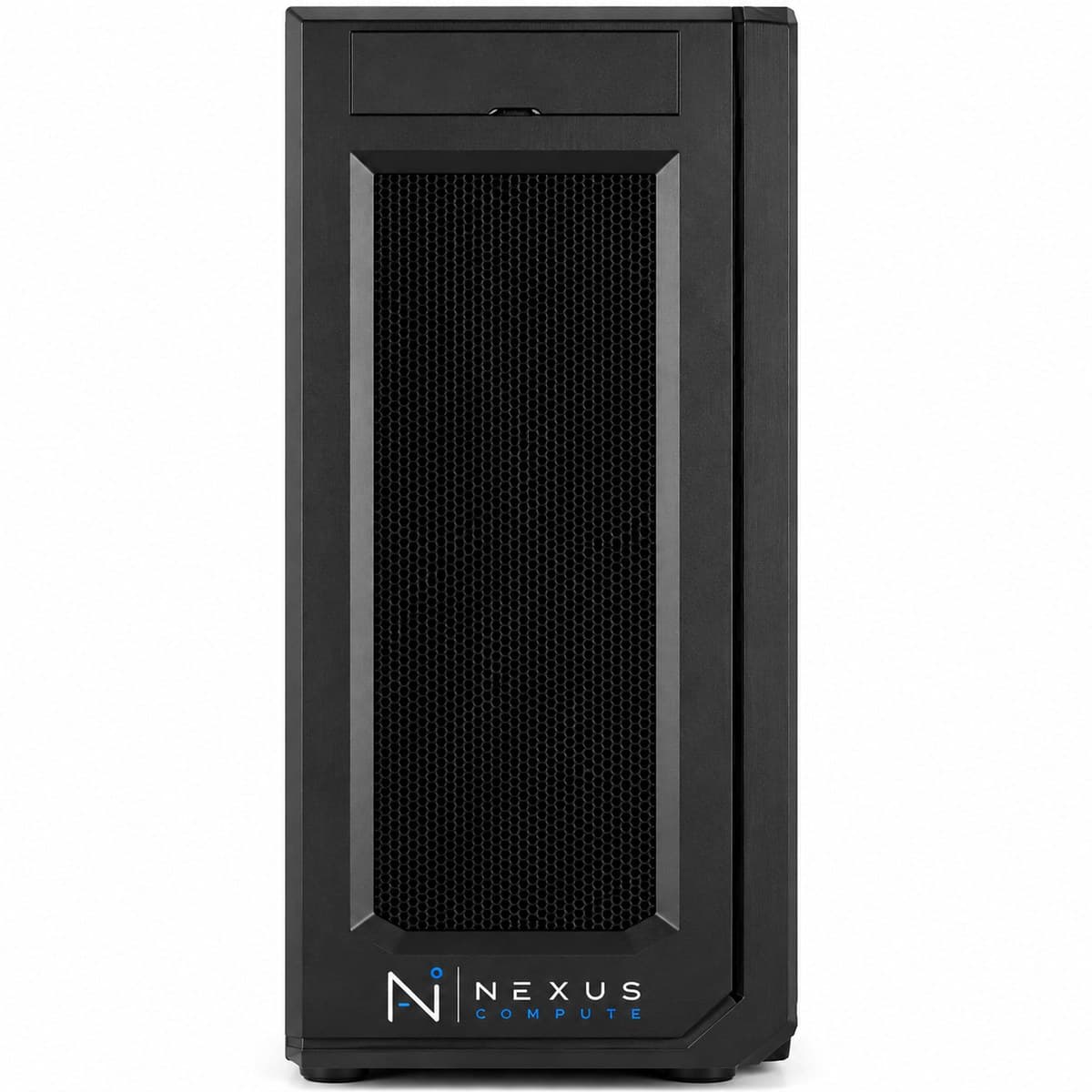
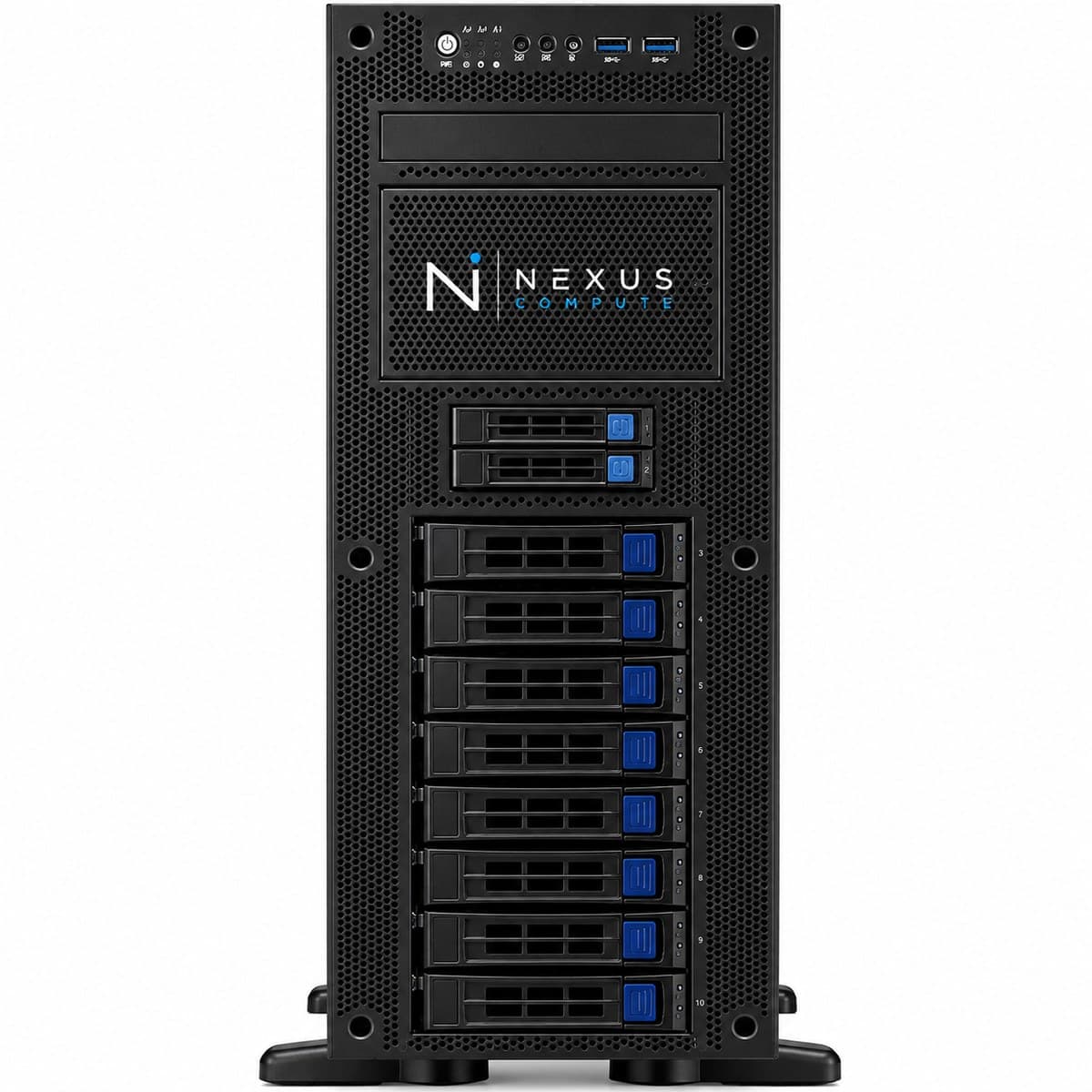
Configuration at a Glance
Tailored per engagement. Full technical overview below.
Configuration Options
Core specifications for this system. Every component is configurable to your workload, so request a quote for a tailored build.
NVIDIA RTX PRO 6000 with 96GB ECC
AMD Threadripper PRO (workstation class)
Up to 512GB DDR5 ECC
16TB enterprise NVMe
Overview
The RTX PRO 6000 AI Workstation is built for enterprise teams that require professional-grade reliability: ECC GPU memory, certified drivers, and the largest workstation VRAM available. Nexus Compute procures and configures these systems with the documentation and warranty terms enterprise IT and regulated environments expect. The practical argument for this machine is the single 96GB memory pool. A model that fits in one card's VRAM needs no sharding, no tensor-parallel configuration and no inter-GPU communication, which removes a whole class of tuning work and failure modes; 96GB holds a 70B model comfortably at 4-bit with generous context, or a considerably smaller model at full precision with room for training state. ECC on the GPU matters where a silently corrupted value would be a problem rather than an annoyance, such as long training runs, and inference whose output carries compliance or safety weight. It is a more expensive way to buy VRAM than consumer cards, and if your work is exploratory and price-sensitive we will say so. Where it earns the premium is uptime, support lifecycle and being able to hand procurement a defensible asset record.
Who This Solution Is For
Business Benefits
Production-grade reliability
ECC GPU memory guards against silent data corruption (important where AI outputs carry compliance or safety weight).
Certified software support
Professional drivers carry ISV certifications and longer support lifecycles than consumer GPUs.
Largest workstation VRAM
Run large models in full precision without sharding across multiple machines.
Procurement documentation included
We provide the asset and warranty documentation enterprise procurement and audit processes require.
Typical Business Use Cases
On-premises production inference on large language models
Regulated-industry AI requiring ECC reliability
Combined CAD/simulation and AI workflows on certified drivers
High-VRAM model development without cloud dependence
Long-running fine-tuning jobs where an unrecoverable memory error would be expensive
Large-context inference where the KV cache, not the weights, is what consumes VRAM
Single-card deployment of models that would otherwise need tensor parallelism
Industry Applications
Technical Overview
Built around the NVIDIA RTX PRO 6000 with 96GB of ECC memory on an AMD Threadripper PRO platform with up to 512GB DDR5 ECC system memory. Configured with enterprise NVMe storage and certified driver stack. Sizing system memory against GPU memory still applies here, and the ratio is why the platform goes to 512GB: with 96GB of VRAM in play, a machine with only 128GB of system RAM will spend its time waiting on data loading and checkpoint writes. The 16TB of enterprise NVMe is specified because high-VRAM work produces large artefacts: full-precision checkpoints, multiple fine-tuned variants, and cached datasets all accumulate quickly, and a machine that has to fetch weights from a network share each time defeats the point of holding them locally. Thermally and electrically this remains a tower: it needs a circuit that is not shared with other heavy equipment, and under sustained inference load it belongs somewhere with real airflow. Where the professional card differs in day-to-day use is the driver stack, which carries ISV certifications and a longer support lifecycle than the consumer line, which matters if the same desk also runs certified CAD or simulation software.
| GPU | NVIDIA RTX PRO 6000 with 96GB ECC |
| CPU | AMD Threadripper PRO (workstation class) |
| System Memory | Up to 512GB DDR5 ECC |
| Primary Storage | 16TB enterprise NVMe |
| GPU Driver | NVIDIA Enterprise (ISV certified) |
| Operating System | Ubuntu 22.04 LTS or Windows 11 Pro |
| Warranty | 3-year on-site + professional GPU warranty |
| CUDA Cores | 24,064 |
| AI Performance | 4,000 AI TOPS |
| Single-Precision Performance (FP32) | 126 TFLOPS |
| GPU Memory Bandwidth | 1,792 GB/s |
| GPU Memory Interface | 512-bit |
| GPU Power Consumption | 600W total board power |
| GPU Power Connector | 1x PCIe CEM5 16-pin |
| GPU Thermal Design | Double flow-through |
| GPU Form Factor | 5.4" H x 12" L, dual-slot, extended height |
| GPU Interface | PCIe 5.0 x16 |
| MIG Support | Up to 4x24GB, 2x48GB, or 1x96GB partitions |
| CPU Platform | sTR5 socket / WRX90 chipset, 8-channel DDR5 ECC, up to 128 PCIe 5.0 lanes |
Specifications are indicative and configured to each engagement. Request a quote for a configuration tailored to your requirements.
Warranty, Support & Fulfillment
Every system ships from an authorized channel, configured and tested, with the documentation enterprise buyers need: genuine product, backed by the full manufacturer warranty.
Enterprise Warranty
Full manufacturer warranty with optional on-site, next-business-day support and extended coverage.
Authorized Channel
Sourced through Tier-1 distribution and OEM partners (never grey market). Asset & warranty records included.
Lead Time & Deployment
48-hour quotes, then configured, burn-in tested, and delivered on a committed schedule.
Nationwide Fulfillment
Coordinated logistics, rack-and-stack, and delivery wherever your infrastructure lives.
Frequently Asked Questions
Why choose this over two consumer RTX 5090s?
Choose the RTX PRO 6000 when you need ECC memory, certified drivers, a longer support lifecycle, or a single large VRAM pool, typically in regulated or production environments where reliability outranks raw price-performance. The single-pool argument is the one people underrate: 96GB on one card runs a model that 64GB split across two cards may not, and it does so without tensor-parallel configuration or the inter-GPU communication that comes with it. Two consumer cards remain the better value if your work is exploratory, price-sensitive, and naturally splits into two independent jobs.
Is it suitable for HIPAA-covered workflows?
The hardware supports the reliability and documentation requirements such environments expect; HIPAA compliance itself remains a process and software responsibility. We provide the procurement and asset documentation auditors typically request. What the hardware contributes is keeping the data on-premises in the first place, ECC coverage on both system and GPU memory, and a serial-level asset record. What it cannot contribute is access control, audit logging or your data-handling procedures, and any vendor telling you a workstation makes you compliant is overstating the case.
What model sizes fit in 96GB?
As a rule of thumb, weights consume roughly two bytes per parameter at BF16 and roughly half a byte at 4-bit, so 96GB holds a 70B model at 4-bit with a lot of context headroom, or a model in the low tens of billions at full precision with room for training state. Long-context inference changes the arithmetic, because the KV cache grows with both context length and concurrency and can end up rivalling the weights. Give us your model, your target context length and your expected concurrency and we will do the sizing before you order.
What lead time should I expect?
Professional GPUs are allocation-based. We confirm availability and timeline as part of your quote. Because allocation moves, we will not quote you a date we cannot hold: you will get a current position and a realistic window rather than an optimistic one. If your deadline is fixed, tell us early: it sometimes changes which configuration is the right recommendation, and there is no point specifying a card that will not arrive in time.
How is it managed and supported once deployed?
Warranty is 3-year on-site next-business-day plus the professional GPU warranty, and we register the asset and hand over serial-level documentation for your asset management system. On remote access, a tower should not be assumed to carry a baseboard management controller; most teams administer these over SSH or remote desktop. If out-of-band power and console control are a requirement of your environment, raise it at quote stage and we will either confirm platform support or recommend a rack server, where IPMI is standard.
When is a server the better answer?
When more than a handful of users depend on the machine, when a service has an availability commitment attached to it, or when you need more than one or two GPUs. A workstation has no power redundancy, no hot-swap capability and no rack-grade cooling, and a production dependency on one is a risk you will eventually be asked to explain. If that describes your deployment, look at /products/gpu-servers instead. We will make that recommendation ourselves rather than wait for you to discover it.
Hardware Assistance
Configure the RTX PRO 6000 AI Workstation with Nexus Compute
Tell us your requirements and a hardware specialist will help you specify, configure, and quote the right system, typically within two business days. No obligation.