
Dual RTX 5090 AI Workstation
Twin-GPU compute for agencies and growing AI teams that have outgrown a single card.
We help you choose, configure, and deliver the right system. No obligation.
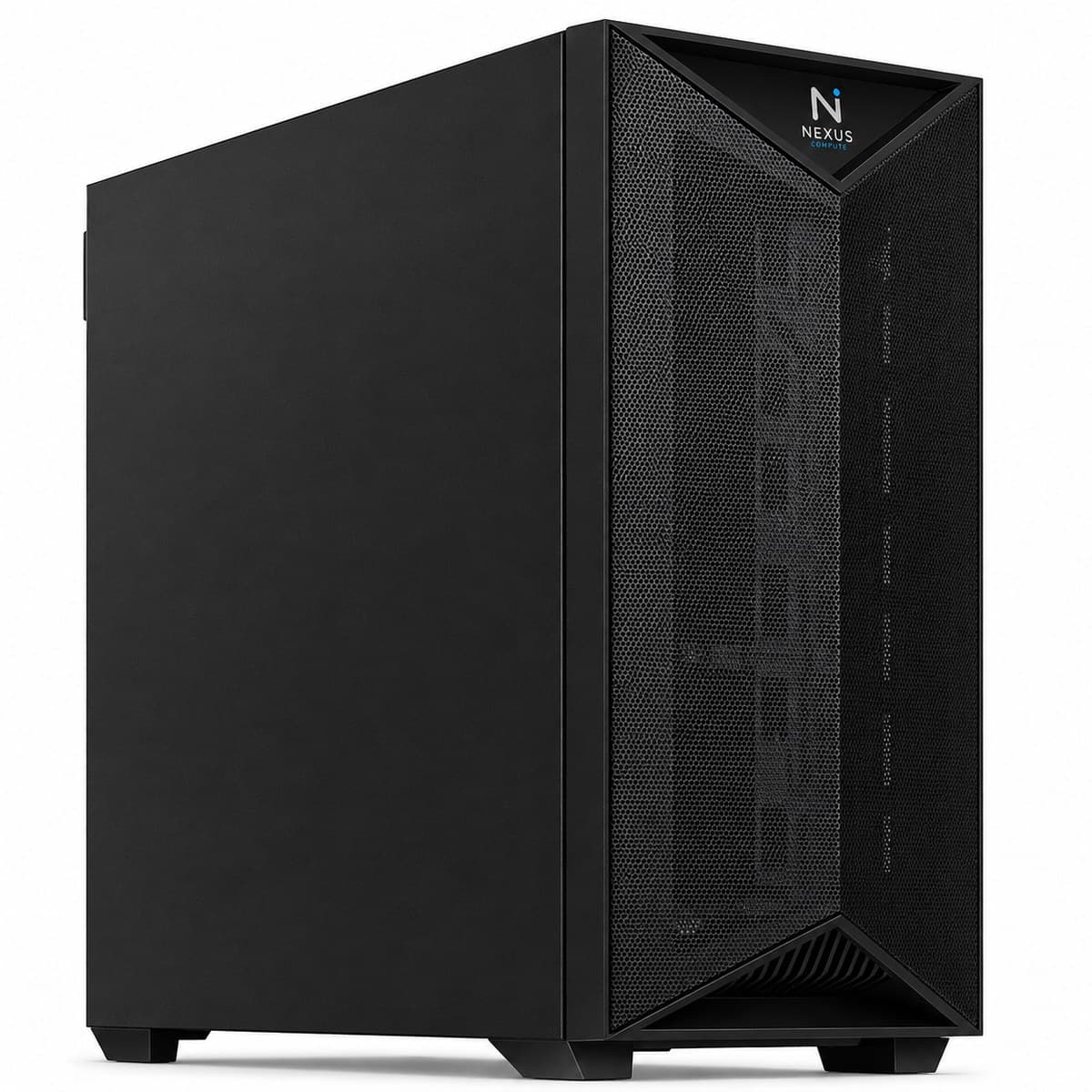
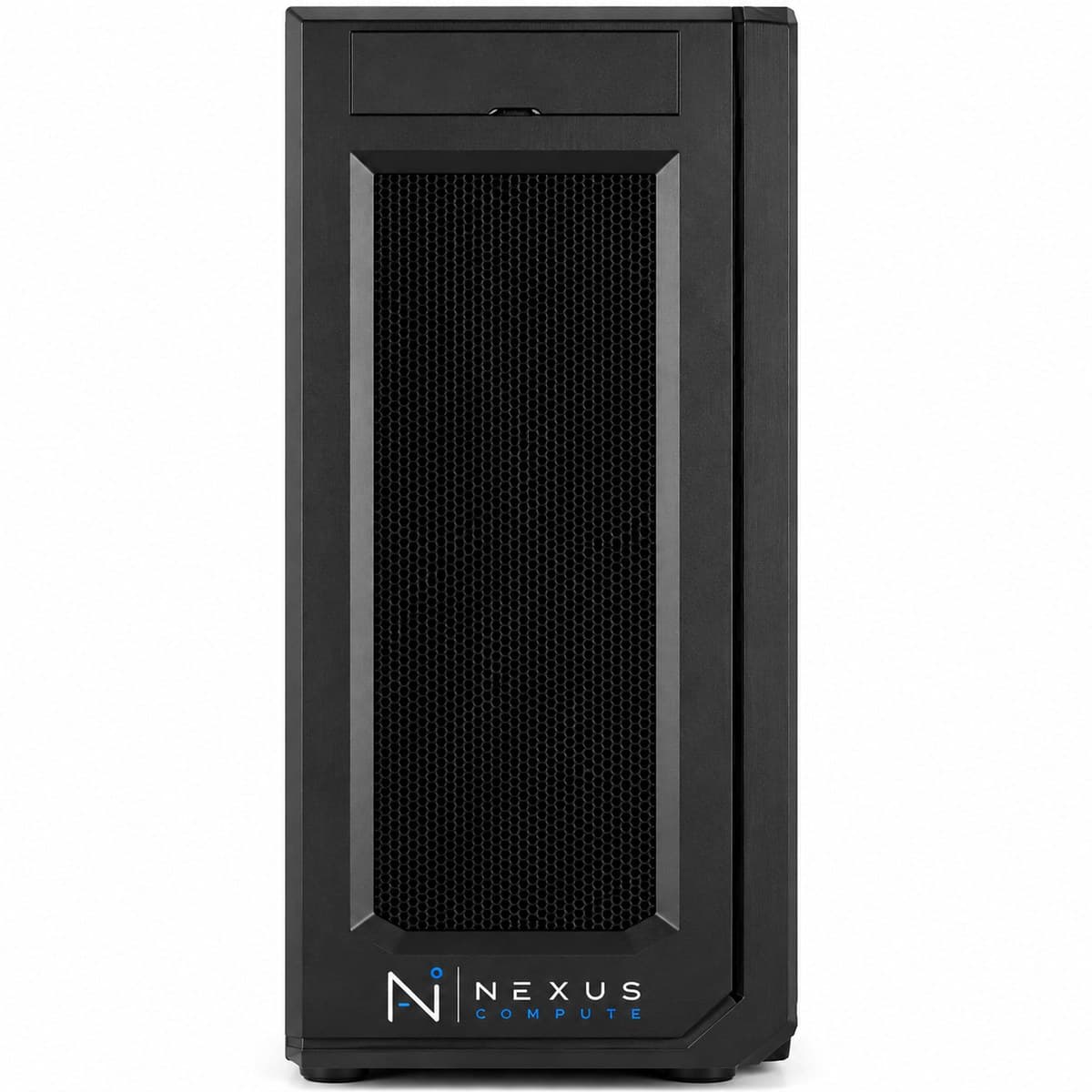
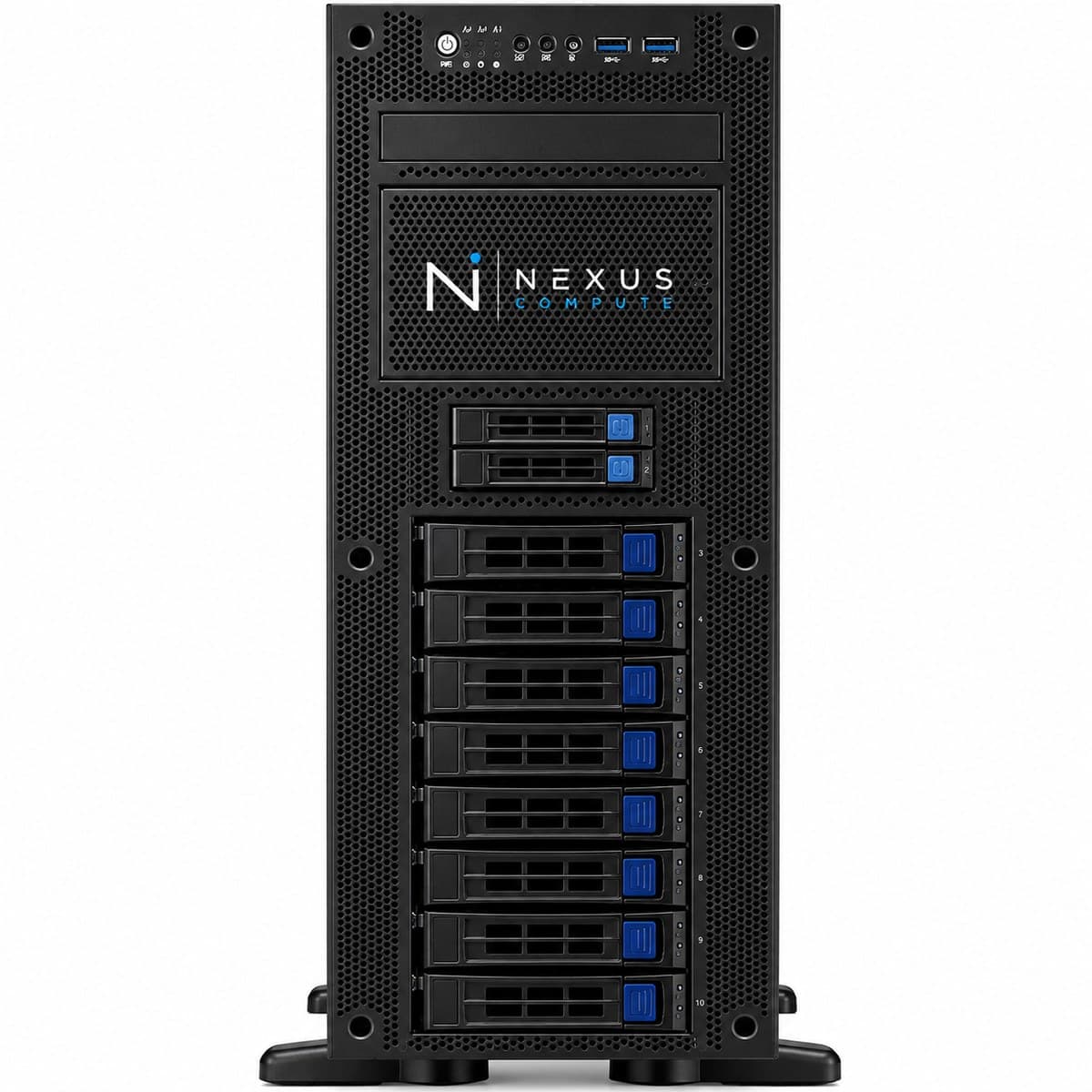
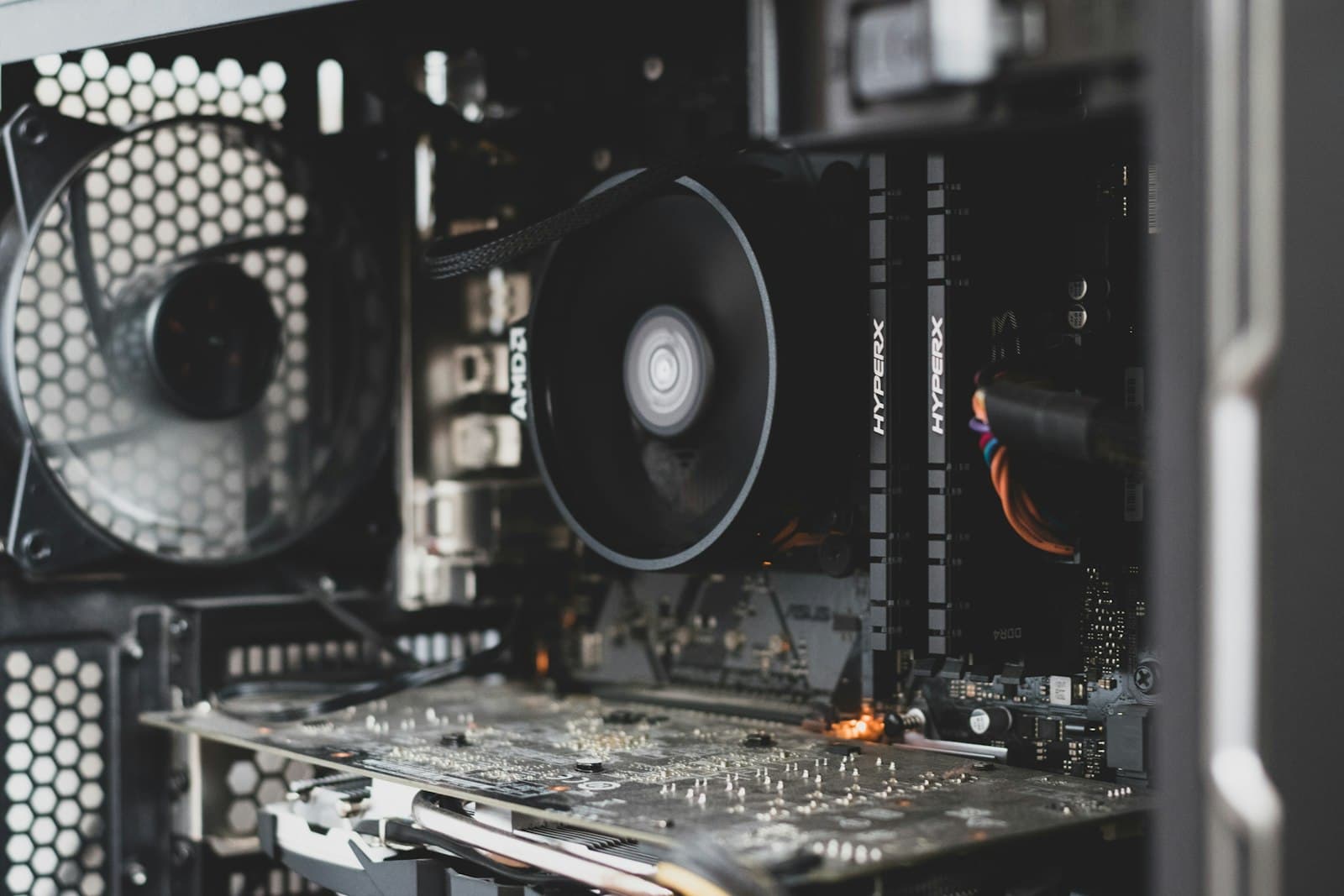
Configuration at a Glance
Tailored per engagement. Full technical overview below.
Configuration Options
Core specifications for this system. Every component is configurable to your workload, so request a quote for a tailored build.
2× NVIDIA RTX 5090 with 64GB combined GDDR7
AMD Threadripper PRO (high-core-count class)
256GB DDR5 ECC
8TB PCIe Gen5 NVMe SSD
Overview
The Dual RTX 5090 AI Workstation pairs two RTX 5090 GPUs with 256GB of ECC memory for teams whose workloads no longer fit comfortably on a single GPU. Nexus Compute sources and validates the full configuration (including power delivery and thermal design for two cards sharing one chassis) so you receive a stable, production-ready system rather than an experiment. The second card buys two things: concurrency, so one GPU can serve while the other trains, and capacity, since 64GB of combined VRAM holds models and batch sizes a single 32GB card cannot. It is worth being clear about what it does not buy. Splitting one model across two cards adds communication overhead, so a workload that already fits on a single GPU rarely runs twice as fast on two. Buy the second card because you have two jobs, or one job too large for one card, rather than as a general accelerator. A twin-GPU tower is also a different object to live with: it wants its own circuit, it is loud under sustained load, and most buyers end up putting it in a comms room or a corner rather than beside a desk.
Who This Solution Is For
Business Benefits
Run two workloads at once
Serve a model on one GPU while training or experimenting on the other, with no queuing between team members.
Larger models without the cloud
Combined VRAM accommodates models and batch sizes that exceed a single card, keeping work on-premises.
Validated, not improvised
We test the dual-GPU configuration end to end so thermal throttling and driver issues are resolved before delivery.
Predictable economics
A fixed capital purchase replaces unpredictable multi-GPU cloud bills for sustained workloads.
Typical Business Use Cases
Full-precision inference on larger language models
Parallel fine-tuning and experimentation across two GPUs
High-throughput batch image and video generation
Serving one model in production while developing another
Multi-tenant development for small agency teams
Models in the 30B to 70B range that need more than 32GB even after quantization
Two independent experiments pinned to one GPU each, with no interference between them
Hyperparameter sweeps run two at a time rather than sequentially
Industry Applications
Technical Overview
Two NVIDIA RTX 5090 GPUs on an AMD Threadripper PRO platform with 256GB DDR5 ECC, each card on its own PCIe 5.0 x16 slot (the RTX 5090 has no NVLink, so the cards communicate over PCIe rather than a dedicated bridge). Configured with redundant high-wattage power delivery and validated cooling for sustained dual-GPU load. The 256GB of system memory follows the same rule as the single-GPU build (comfortably more than twice the combined VRAM), so that data loading, checkpointing and any CPU offload do not become the bottleneck when both cards are busy. The 8TB of Gen5 NVMe is sized for staging rather than archive: two concurrent jobs both pulling dataset shards will saturate a slower disk, and a network share is usually the wrong place to read training data from. Power is the constraint most buyers underestimate. A 2000W supply is straightforward on 230V mains but on 120V it needs a dedicated 20A circuit and should not share it with anything else, and the machine puts most of what it draws back into the room as heat. Under sustained dual-GPU load the acoustics suit a comms room, plant room or well-ventilated corner rather than an open-plan desk, and we specify the airflow path around where you actually intend to put it.
| GPU | 2× NVIDIA RTX 5090 with 64GB combined GDDR7 |
| CPU | AMD Threadripper PRO (high-core-count class) |
| System Memory | 256GB DDR5 ECC |
| Primary Storage | 8TB PCIe Gen5 NVMe SSD |
| GPU Interconnect | PCIe 5.0 x16 per card (RTX 5090 has no NVLink) |
| Power Supply | 2000W 80+ Titanium |
| Operating System | Ubuntu 22.04 LTS or Windows 11 Pro |
| Warranty | 3-year on-site, next-business-day |
| GPU Architecture | NVIDIA Blackwell |
| CUDA Cores (per GPU) | 21,760 |
| GPU Memory Bandwidth (per GPU) | 1,792 GB/s |
| GPU Power (Total Graphics Power, per GPU) | 575W |
| GPU Dimensions (per card) | 304mm x 137mm, dual-slot |
| CPU Platform | sTR5 socket / WRX90 chipset, 8-channel DDR5 ECC, up to 128 PCIe 5.0 lanes |
Specifications are indicative and configured to each engagement. Request a quote for a configuration tailored to your requirements.
Warranty, Support & Fulfillment
Every system ships from an authorized channel, configured and tested, with the documentation enterprise buyers need: genuine product, backed by the full manufacturer warranty.
Enterprise Warranty
Full manufacturer warranty with optional on-site, next-business-day support and extended coverage.
Authorized Channel
Sourced through Tier-1 distribution and OEM partners (never grey market). Asset & warranty records included.
Lead Time & Deployment
48-hour quotes, then configured, burn-in tested, and delivered on a committed schedule.
Nationwide Fulfillment
Coordinated logistics, rack-and-stack, and delivery wherever your infrastructure lives.
Frequently Asked Questions
When should I choose dual GPUs over a single RTX 5090?
Choose dual GPUs when your team needs to run more than one workload simultaneously, fine-tune larger models, or sustain higher throughput than a single card allows. The clearest test is whether you have two jobs or one oversized job. Two jobs, such as a served model plus a training run, or two engineers experimenting, map cleanly onto two cards with no shared-memory overhead at all. One job too large for 32GB also justifies it. What does not justify it is hoping a model that already fits will run twice as fast; sharding across cards costs communication time, and the speed-up on a single fitted model is usually well short of double.
Is this loud or hot for an office?
Under sustained dual-GPU load it is best placed in a server room or well-ventilated area. We configure the thermal and acoustic profile to your environment and advise accordingly. In practical terms, two cards under continuous load push the fans hard enough that most people find it distracting at a desk, and the machine returns close to everything it draws to the room as heat. If the only available location is an office, tell us, and we would rather change the cooling design, or point you at a rack server in a room that is already cooled, than deliver something you end up switching off.
What circuit and power does it need?
On 230V mains a 2000W supply sits comfortably within a normal socket circuit. On 120V it should have a dedicated 20A circuit and nothing else of consequence on it, because a standard 15A circuit does not leave enough continuous headroom for a machine of this class plus anything else in the room. If you are fitting more than one of these in the same space, treat it as an electrical planning question and involve whoever manages the building, ideally before the order rather than on the delivery day.
Can it be rack-mounted later?
This is a tower configuration. If you anticipate moving to rack infrastructure, we can advise on our GPU Server line as the appropriate next step. Converting a tower into a rack machine is rarely worth doing, because the chassis, airflow path and power distribution are all designed differently, so if you already know that a rack is where this ends up in a year, it is cheaper to start there. See /products/gpu-servers, and we will help you compare the two on total cost rather than headline spec.
Does it ship assembled and tested?
Yes. It arrives built, imaged and tested under load, with the operating system, GPU drivers, CUDA toolchain and your chosen frameworks installed and the versions documented. Dual-GPU builds get particular attention on thermals and driver behaviour under sustained load, because that is where an unvalidated twin-card machine typically fails: not at first boot, but forty minutes into a training run. We would rather find that here than have you find it.
What if we outgrow two GPUs?
Three or more cards, several concurrent users, or anything with a production availability requirement is server territory rather than workstation territory. At that point you want rack power and cooling, redundancy, out-of-band management and somewhere sensible to put it, none of which a tower provides well. We will say so plainly at quote stage if that is where you are heading, and route you to /products/gpu-servers rather than sell a machine you will replace within the year.
Hardware Assistance
Configure the Dual RTX 5090 AI Workstation with Nexus Compute
Tell us your requirements and a hardware specialist will help you specify, configure, and quote the right system, typically within two business days. No obligation.