
Enterprise AI Workstation
A standardized, fleet-ready workstation for large organizations deploying AI at the desk.
We help you choose, configure, and deliver the right system. No obligation.
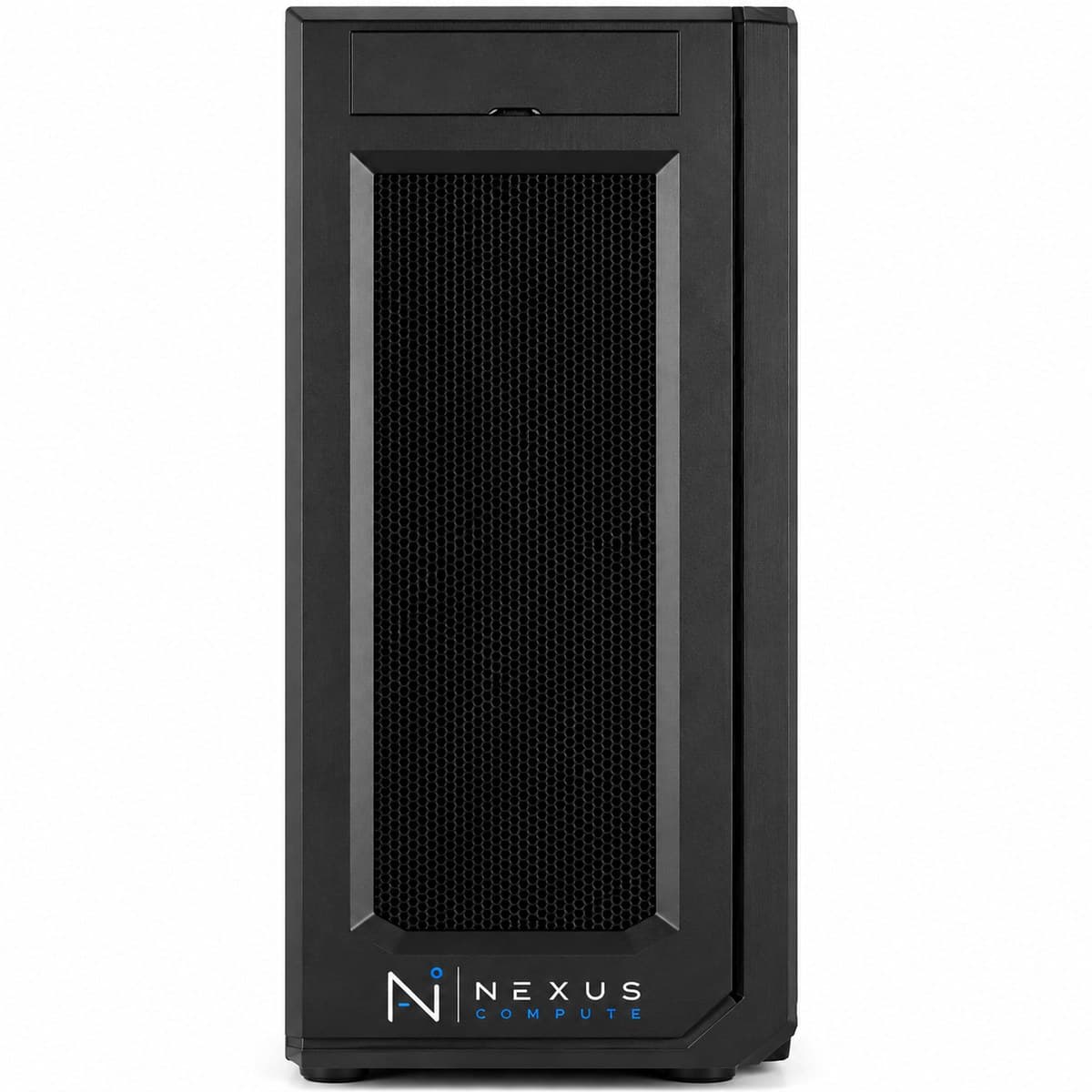
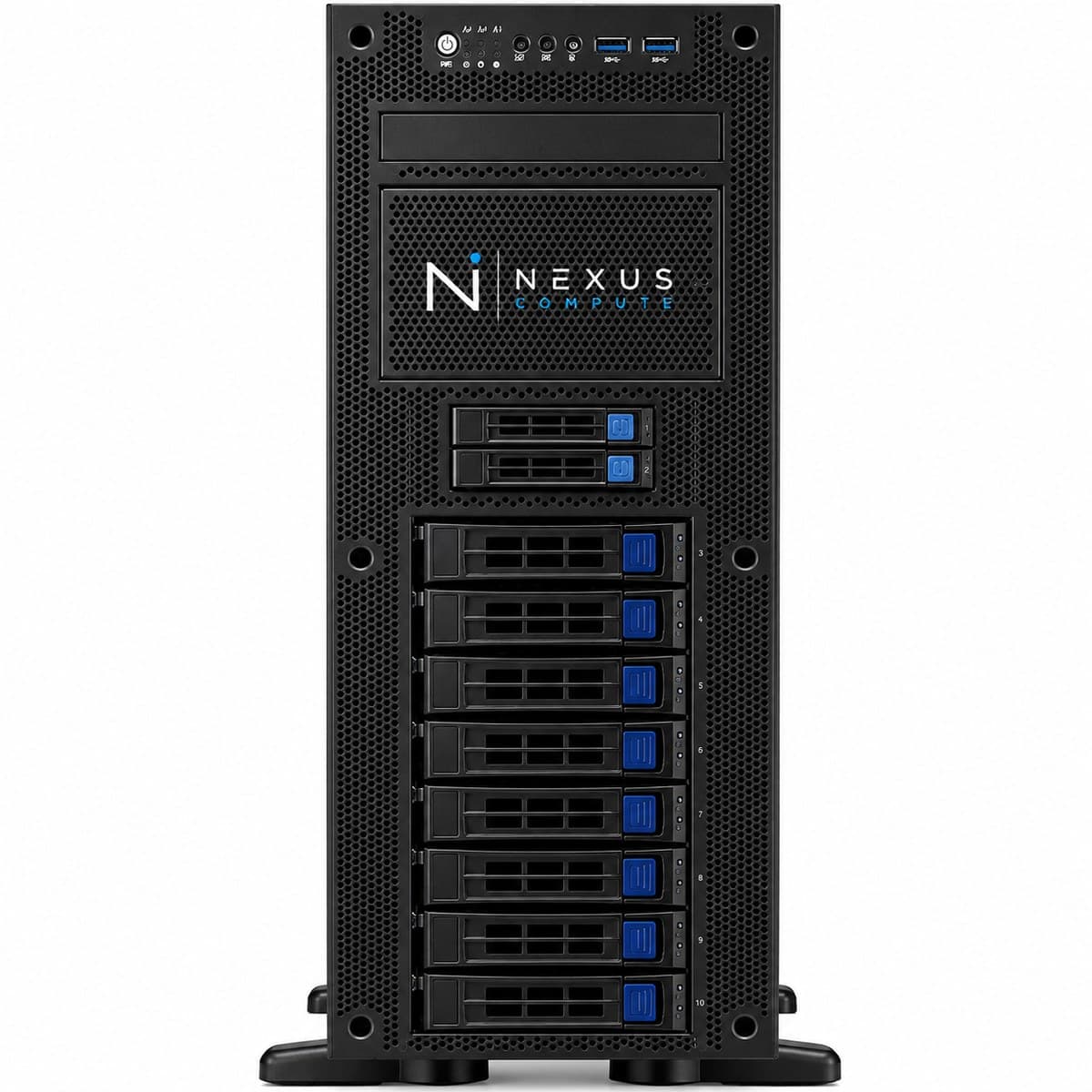
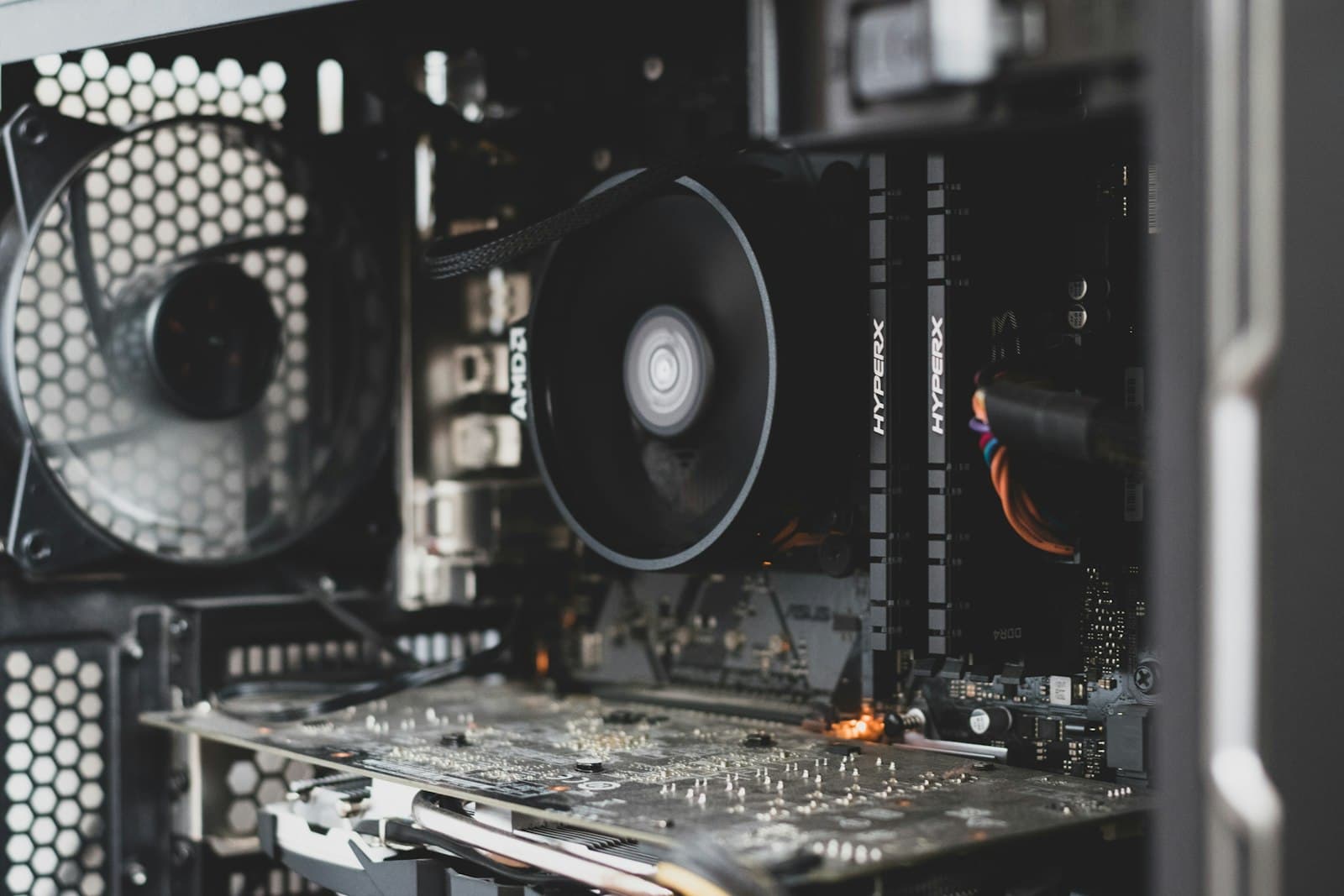
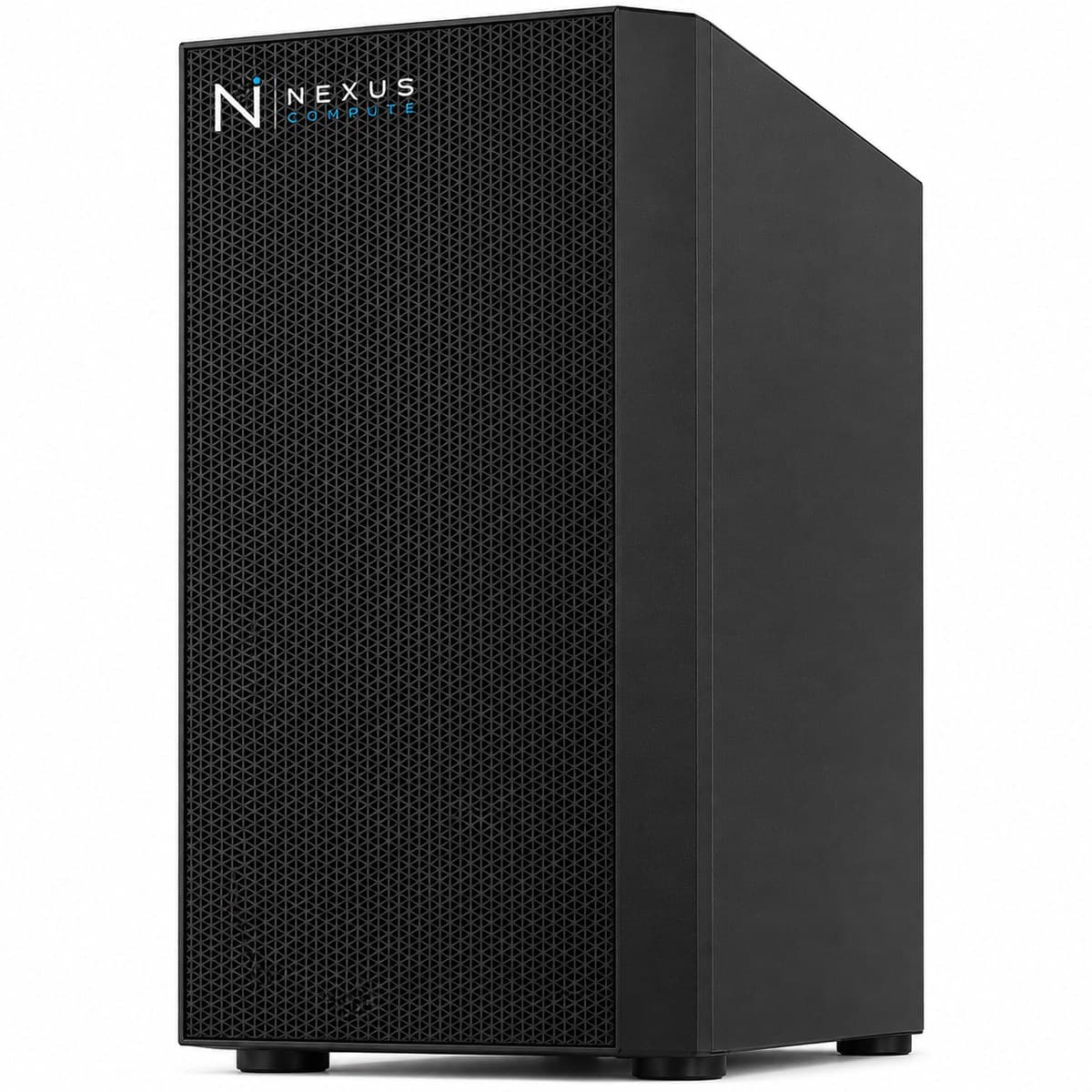
Configuration at a Glance
Tailored per engagement. Full technical overview below.
Configuration Options
Core specifications for this system. Every component is configurable to your workload, so request a quote for a tailored build.
NVIDIA RTX PRO 6000 or RTX 5090 (standardized)
AMD Threadripper PRO
256GB–512GB DDR5 ECC
Enterprise NVMe (standardized image)
Overview
The Enterprise AI Workstation is built for organizations rolling out AI capability across teams. Nexus Compute standardizes the configuration, imaging, and documentation so a fleet of identical, manageable, warranty-backed systems can be deployed and supported consistently. The value in a fleet purchase is not the individual machine but the fact that every machine is the same one. One validated component list, one documented image with pinned driver, CUDA and framework versions, and one support path means an issue diagnosed on one desk is resolved everywhere, and a replacement unit behaves identically to the one it replaced. The constraints that matter at fleet scale are usually facilities rather than compute. GPU workstations draw serious current and return most of it to the room as heat, so twenty of them across two floors is an electrical and cooling exercise as much as a procurement one, and it is far cheaper to raise that before the order than during installation. Where a team's workload is genuinely shared or production-facing, we will recommend centralizing it on server hardware rather than putting a GPU on every desk.
Who This Solution Is For
Business Benefits
Fleet consistency
A standardized configuration and image means every user gets an identical, supportable system.
Simplified IT management
Consistent hardware and documentation reduce the support burden across a large deployment.
Procurement at scale
We coordinate volume sourcing, staged delivery, and asset documentation for large rollouts.
Enterprise warranty terms
On-site, next-business-day coverage across the fleet keeps teams productive.
Typical Business Use Cases
Organization-wide AI development capability
Standardized data science and engineering desks
Departmental AI rollouts with consistent tooling
Managed, imaged workstation fleets
Replacing per-user cloud GPU spend with owned desk-side compute
Keeping regulated or IP-sensitive development data inside the corporate network
Refresh cycles where every unit must match a documented build standard
Industry Applications
Technical Overview
A standardized configuration built on professional-grade components (RTX PRO or RTX 5090 GPUs, ECC memory, and enterprise storage) with consistent imaging and asset documentation across the fleet. The GPU decision is made once for the whole fleet and is worth taking time over: the RTX PRO 6000 brings ECC GPU memory, ISV-certified drivers and a longer support lifecycle, which suits regulated environments and mixed CAD or simulation use; the RTX 5090 is the better value where the work is development and the driver lifecycle is less of a constraint. System memory of 256GB to 512GB is specified above twice the VRAM so data loading and checkpointing are never the limiting factor on a standard build. Facilities planning belongs in the specification rather than after it. Each unit wants a circuit it does not share with other heavy equipment, and a floor of GPU workstations adds a heat load that existing office cooling was not designed for, which is worth modelling before the order. We size and document all of this per site as part of a fleet quote.
| GPU Options | NVIDIA RTX PRO 6000 or RTX 5090 (standardized) |
| CPU | AMD Threadripper PRO |
| System Memory | 256GB–512GB DDR5 ECC |
| Storage | Enterprise NVMe (standardized image) |
| Management | Consistent imaging + asset documentation |
| Operating System | Standardized Ubuntu LTS or Windows 11 Pro image |
| Warranty | 3-year on-site, next-business-day (fleet-wide) |
| RTX PRO 6000 CUDA Cores | 24,064 |
| RTX 5090 CUDA Cores | 21,760 |
| GPU Memory Bandwidth | 1,792 GB/s (GDDR7, both GPU options) |
| CPU Platform | sTR5 socket / WRX90 chipset, 8-channel DDR5 ECC, up to 128 PCIe 5.0 lanes |
Specifications are indicative and configured to each engagement. Request a quote for a configuration tailored to your requirements.
Warranty, Support & Fulfillment
Every system ships from an authorized channel, configured and tested, with the documentation enterprise buyers need: genuine product, backed by the full manufacturer warranty.
Enterprise Warranty
Full manufacturer warranty with optional on-site, next-business-day support and extended coverage.
Authorized Channel
Sourced through Tier-1 distribution and OEM partners (never grey market). Asset & warranty records included.
Lead Time & Deployment
48-hour quotes, then configured, burn-in tested, and delivered on a committed schedule.
Nationwide Fulfillment
Coordinated logistics, rack-and-stack, and delivery wherever your infrastructure lives.
Frequently Asked Questions
Can you deliver a standardized image across many units?
Yes. We build and validate a standard image and apply it consistently across the fleet so IT manages one configuration, not many. Driver, CUDA and framework versions are pinned and documented, which is what makes a fault diagnosed on one desk applicable to all of them and lets a replacement unit drop in behaving identically. If you have an internal build standard, package repository or security baseline, we build to it rather than hand you a generic image to rework.
How do you handle staged rollouts?
We coordinate sourcing and staged delivery to match your deployment schedule and site readiness. Site readiness is the part that most often moves a date, and it is usually electrical: each unit needs adequate circuit capacity and the room needs to shift the resulting heat. We will ask about this per site during the quote, because discovering it at installation is expensive in a way that discovering it during planning is not.
What asset documentation do you provide?
Serial-level asset records, warranty registration, and configuration documentation suitable for enterprise asset management and audit. That includes the component-level specification of the standard build and the pinned software versions on the image, so a procurement or audit question about what is actually deployed has a documented answer rather than a survey. For regulated environments this is generally the first thing asked for and the last thing suppliers provide, so it comes as standard.
How are these managed remotely?
Standard practice is SSH or remote desktop over the corporate network, with your existing endpoint management applying to the standardized image as it would to any managed desktop. Out-of-band management is not something to assume on a workstation platform, so if your operating model requires console and power control independent of the operating system, raise it during specification. We will confirm what the platform supports, or recommend centralizing that portion of the fleet on rack hardware where IPMI is standard.
Should every user have a GPU workstation?
Often not, and it is worth testing the assumption before signing off a large rollout. Desk-side GPUs suit engineers doing sustained interactive development with data that should stay local. For occasional or bursty use, a smaller number of shared server GPUs behind a scheduler is usually cheaper to buy, easier to support, and better utilized than a card idling on every desk. We will tell you where we think the line falls in your organization rather than quote the larger number by default.
What happens when a team outgrows the standard build?
Fleets should not be redesigned around their heaviest user. The usual answer is to keep the standard build for the majority and give the outlier team either a higher-specification workstation or shared server capacity, depending on whether the problem is one large job or many concurrent ones. Training beyond a single machine, production serving, and multi-user concurrency are all server problems (see /products/gpu-servers), and we will size that alongside the fleet rather than inflate the standard build to cover it.
Hardware Assistance
Configure the Enterprise AI Workstation with Nexus Compute
Tell us your requirements and a hardware specialist will help you specify, configure, and quote the right system, typically within two business days. No obligation.