
LLM Development Workstation
Maximum VRAM and memory bandwidth for building and serving large language models locally.
We help you choose, configure, and deliver the right system. No obligation.
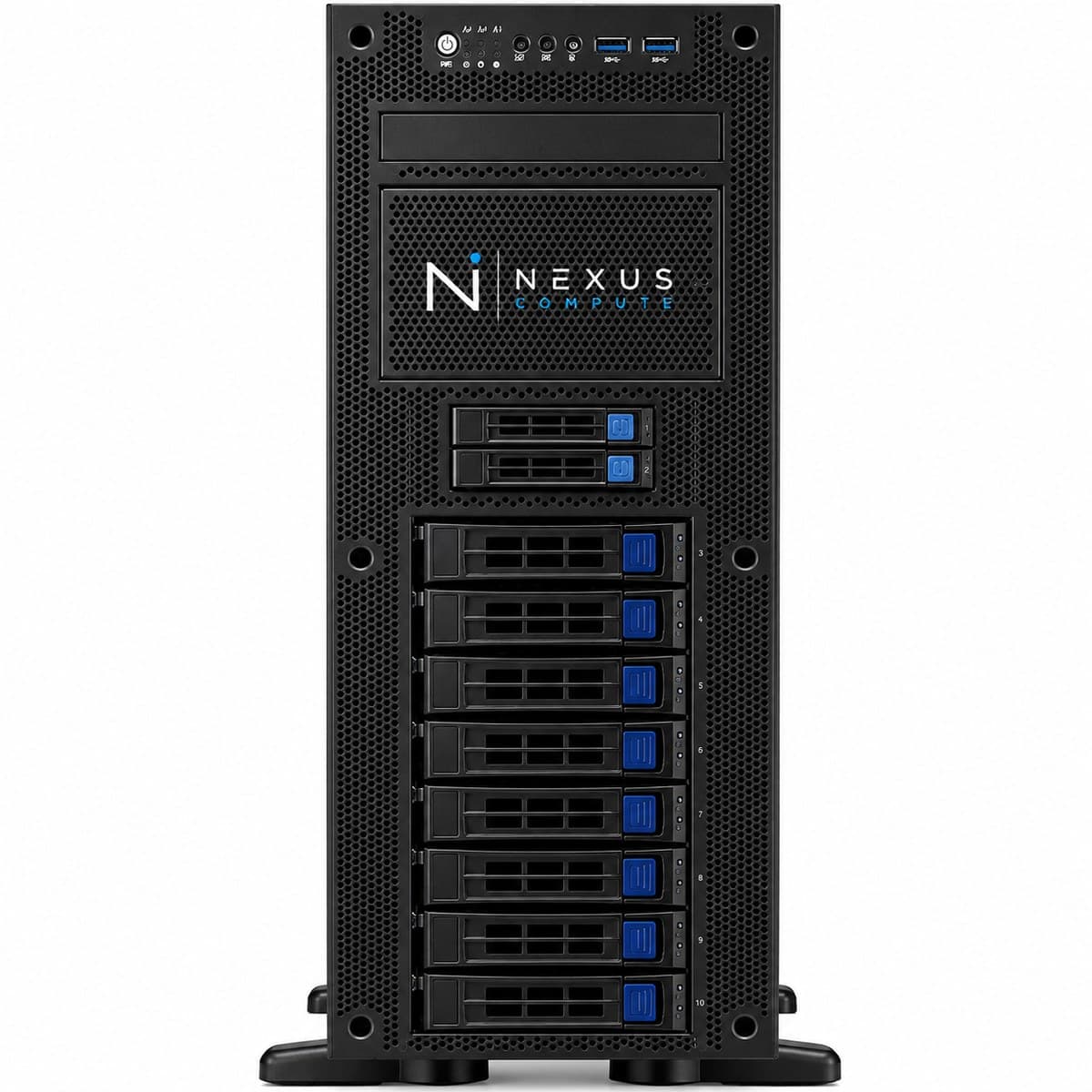
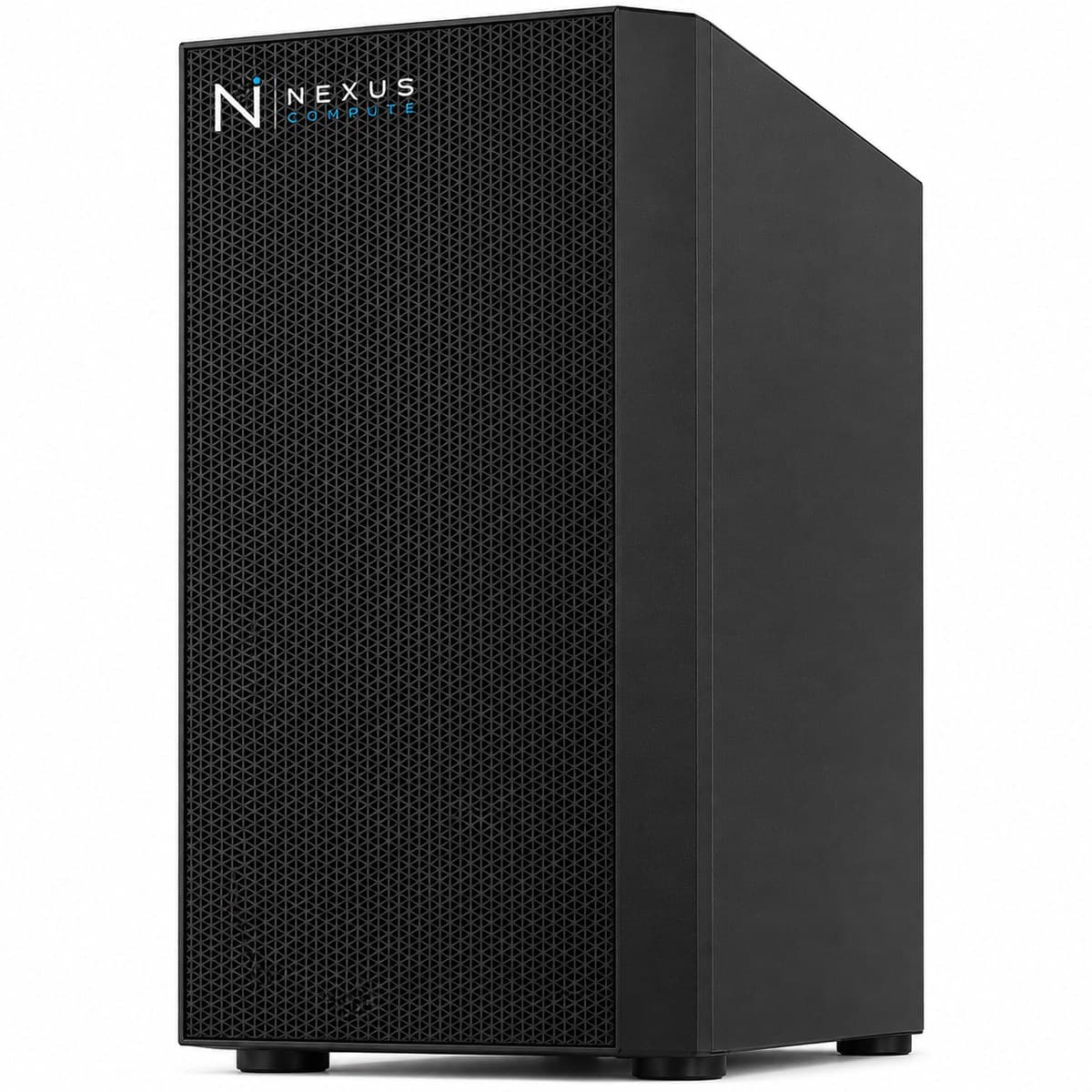
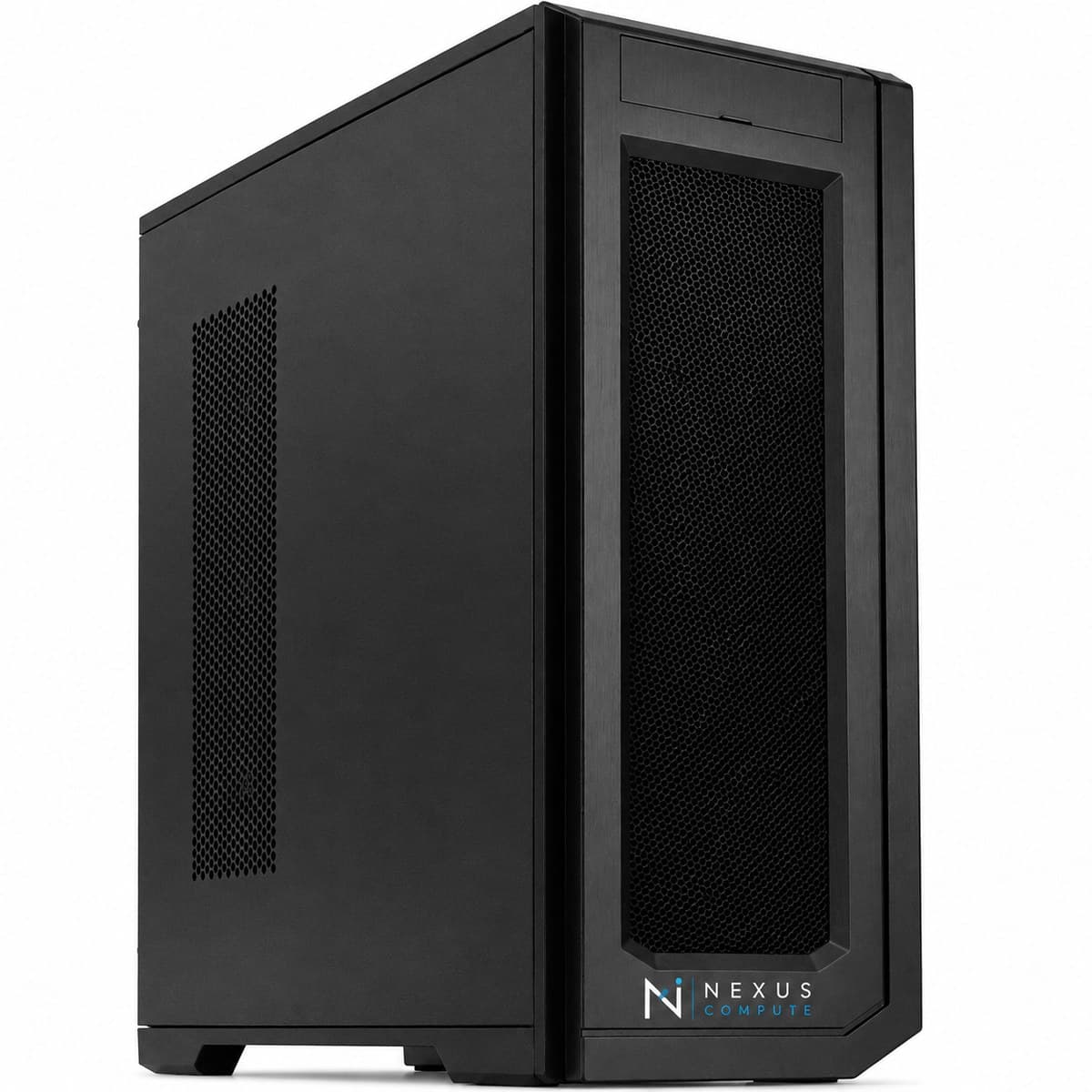
Configuration at a Glance
Tailored per engagement. Full technical overview below.
Configuration Options
Core specifications for this system. Every component is configurable to your workload, so request a quote for a tailored build.
Dual RTX 5090 (64GB) or RTX PRO 6000 (96GB)
AMD Threadripper PRO
256GB–512GB DDR5 ECC
8TB+ NVMe for model weights
Overview
The LLM Development Workstation is specified for teams working hands-on with large language models: fine-tuning, evaluation, and local serving. Nexus Compute prioritizes GPU VRAM and memory bandwidth in this configuration so you can work with the largest models a workstation can practically hold. Everything about the specification follows from one fact: with language models, VRAM is the constraint that decides what is possible, and bandwidth is the constraint that decides how fast it feels. Weights take roughly two bytes per parameter at BF16 and roughly half a byte at 4-bit, so a 70B model is around 140GB unquantized and around 35 to 40GB at 4-bit, which is why the GPU choice here is between 64GB across two cards and 96GB on one. On top of the weights sits the KV cache, which grows with context length and with the number of concurrent requests, and which is what actually runs people out of memory during long-context or multi-user testing. When a model does not fit, the options are quantization, offloading layers to system RAM at a significant speed cost, or a bigger machine. We will tell you which of those applies to your models before you order.
Who This Solution Is For
Business Benefits
Work with larger models locally
High-VRAM configuration runs models that would otherwise require cloud GPUs, keeping prompts and data private.
Faster prompt iteration
Local inference removes network latency and per-token cloud costs during development.
Private by default
Proprietary prompts, fine-tuning data, and model weights stay inside your environment.
Specified for LLM work
We bias the configuration toward VRAM and bandwidth: the factors that matter most for language models.
Typical Business Use Cases
Fine-tuning open-weight LLMs with LoRA/QLoRA
Local inference and serving for development and staging
RAG pipeline and vector database development
Agentic system prototyping with long context windows
Side-by-side evaluation of several quantization levels of the same model
Holding multiple model variants on local NVMe so switching between them is instant
Staging an inference stack locally before deploying the same configuration to a server
Industry Applications
Technical Overview
A high-VRAM configuration built around dual RTX 5090 or RTX PRO 6000 GPUs, large ECC system memory, and fast NVMe for model weight storage. We tune the exact GPU choice to the model sizes you intend to run. The two options are not interchangeable. Dual RTX 5090 gives 64GB in two pools, which suits running two models at once or two engineers working side by side, but a single model larger than one card needs tensor parallelism and pays communication overhead for it. The RTX PRO 6000 gives 96GB in one pool with ECC, which runs larger single models with no sharding at all. System memory of 256GB to 512GB is specified against that VRAM so weight loading, offload and dataset handling do not stall, and 8TB or more of NVMe reflects how quickly a working set of checkpoints and quantized variants accumulates: a handful of 70B variants is already terabytes. Note that model load time is essentially a disk-speed question, so slow storage shows up directly as time spent waiting when switching between models during evaluation.
| GPU Options | Dual RTX 5090 (64GB) or RTX PRO 6000 (96GB) |
| CPU | AMD Threadripper PRO |
| System Memory | 256GB–512GB DDR5 ECC |
| Storage | 8TB+ NVMe for model weights |
| Software | vLLM, Ollama, Hugging Face stack pre-configured |
| Operating System | Ubuntu 22.04 LTS |
| Warranty | 3-year on-site, next-business-day |
| RTX 5090 CUDA Cores | 21,760 per card |
| RTX PRO 6000 CUDA Cores | 24,064 |
| RTX PRO 6000 AI Performance | 4,000 AI TOPS |
| GPU Memory Bandwidth | 1,792 GB/s per GPU (GDDR7, both configurations) |
| CPU Platform | sTR5 socket / WRX90 chipset, 8-channel DDR5 ECC, up to 128 PCIe 5.0 lanes |
Specifications are indicative and configured to each engagement. Request a quote for a configuration tailored to your requirements.
Warranty, Support & Fulfillment
Every system ships from an authorized channel, configured and tested, with the documentation enterprise buyers need: genuine product, backed by the full manufacturer warranty.
Enterprise Warranty
Full manufacturer warranty with optional on-site, next-business-day support and extended coverage.
Authorized Channel
Sourced through Tier-1 distribution and OEM partners (never grey market). Asset & warranty records included.
Lead Time & Deployment
48-hour quotes, then configured, burn-in tested, and delivered on a committed schedule.
Nationwide Fulfillment
Coordinated logistics, rack-and-stack, and delivery wherever your infrastructure lives.
Frequently Asked Questions
How large a model can I run?
It depends on the GPU configuration and quantization. We size the VRAM to the models you intend to run and advise on what is realistic for full-precision versus quantized inference. The arithmetic is straightforward: roughly two bytes per parameter at BF16, roughly half a byte at 4-bit, plus a KV cache that scales with context length and concurrency. A 70B model is therefore out of reach unquantized on any workstation but comfortable at 4-bit on either configuration here. Send us the exact model, target context length and expected concurrency and we will confirm before you order.
Dual RTX 5090 or a single RTX PRO 6000?
Two cards suit two jobs: one model served while another is fine-tuned, or two engineers each pinned to their own GPU. One large card suits one big job, because a 96GB pool runs models that a 64GB split cannot, with no tensor-parallel configuration and no inter-GPU communication cost. If your work is mostly a single large model with long contexts, take the single card. If it is several medium models in parallel, take the two. We will make the call with you against your actual model list rather than in the abstract.
What happens when a model does not fit in VRAM?
You have three options and all of them cost something. Quantize further, which reduces memory and usually costs some output quality. Offload layers to system RAM, which works but drops throughput sharply because inference then moves at the speed of the PCIe link rather than the card. Or move to hardware with more VRAM. Reducing batch size and context length also helps and is often the cheapest first move. We would rather size the machine correctly at the start than have you discover this during an evaluation deadline.
Which inference framework do you install?
We commonly pre-configure vLLM, Ollama, and the Hugging Face stack, but we install whatever your team standardizes on. Versions are pinned and documented, which matters here more than elsewhere, because inference stacks move quickly and a working configuration is worth being able to reproduce. If you intend to deploy to a server later, tell us which stack production will run so the workstation matches it rather than diverging from it.
Can it serve a model to the rest of the team?
For development and staging, yes: a locally served endpoint on the office network is a normal use of this machine. For production it is the wrong shape. A workstation has no redundant power, no hot-swap parts and no out-of-band management, so an internal service that people depend on ends up being a single point of failure sat under someone's desk. Once real users depend on the endpoint, move it to /products/gpu-servers and keep the workstation for development.
When should I move from a workstation to a server?
When you need to serve models to many concurrent users in production, or train at a scale beyond a single machine. We can advise on the transition to our GPU Server line. Concurrency is usually the trigger that arrives first: every additional simultaneous request adds KV cache, so a machine that comfortably serves one or two developers can run out of memory at ten users on the same model. If your roadmap has a user count on it, tell us and we will size for where that leads rather than where you are now.
Hardware Assistance
Configure the LLM Development Workstation with Nexus Compute
Tell us your requirements and a hardware specialist will help you specify, configure, and quote the right system, typically within two business days. No obligation.