
Computer Vision Workstation
Tuned for image and video model training, annotation, and high-throughput data pipelines.
We help you choose, configure, and deliver the right system. No obligation.
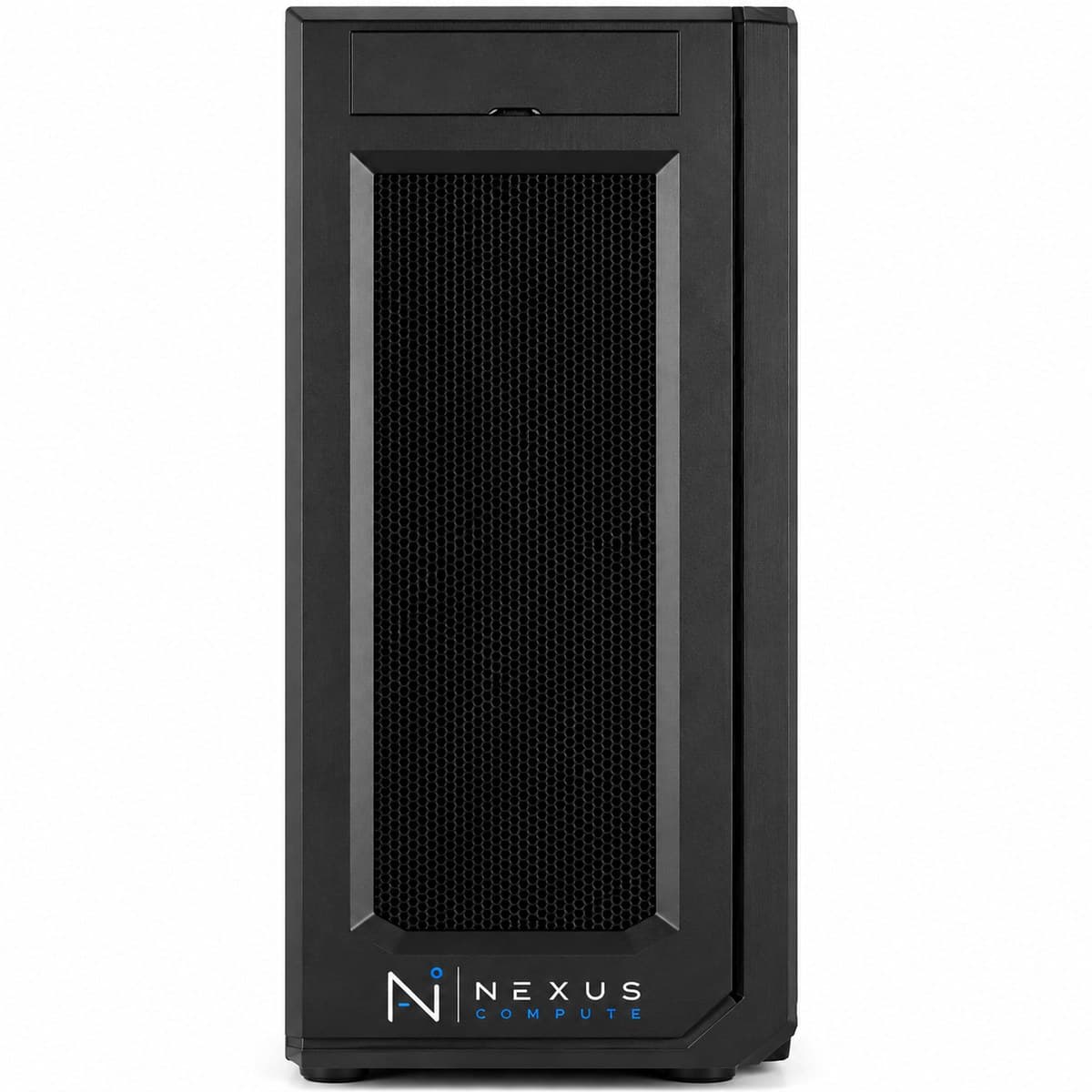
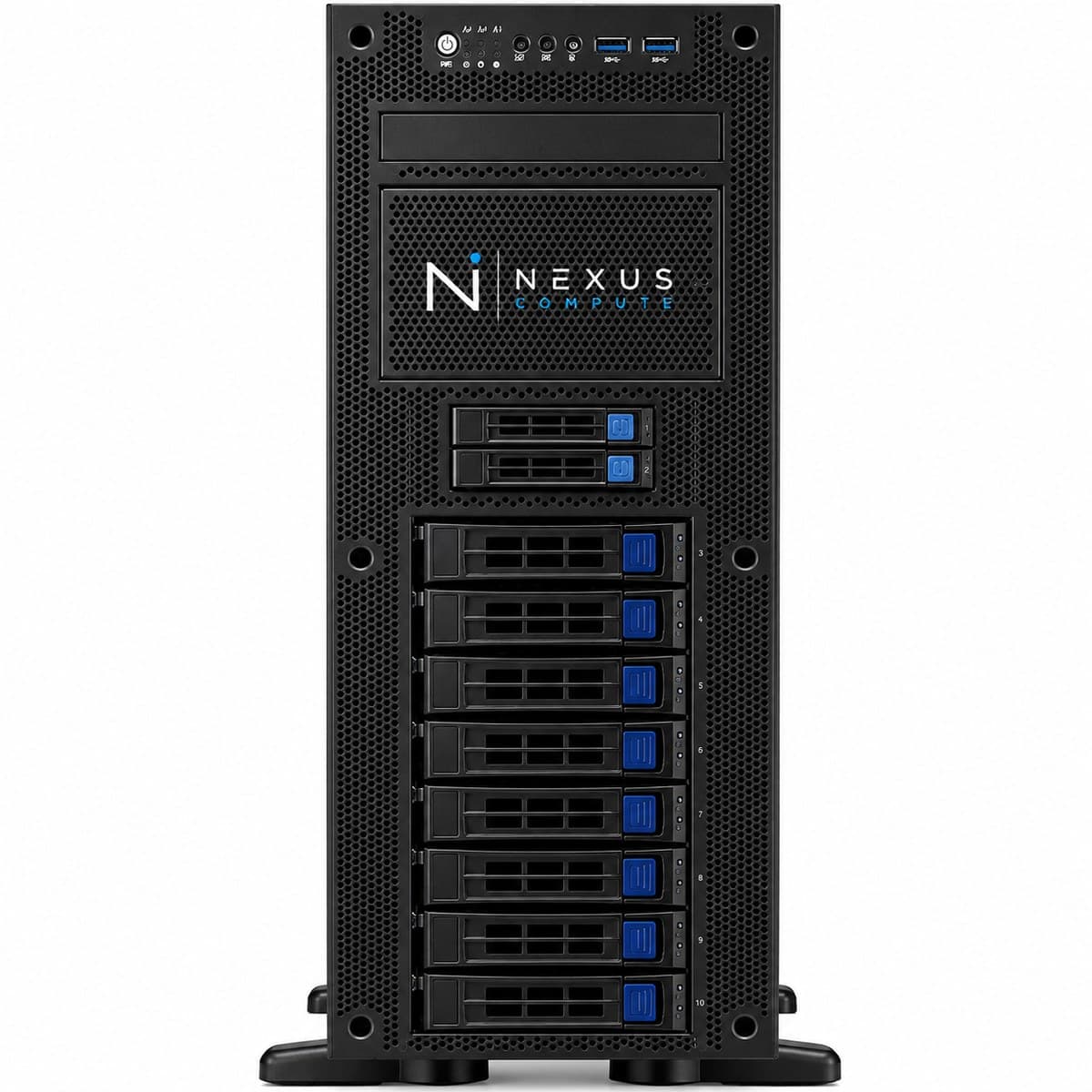
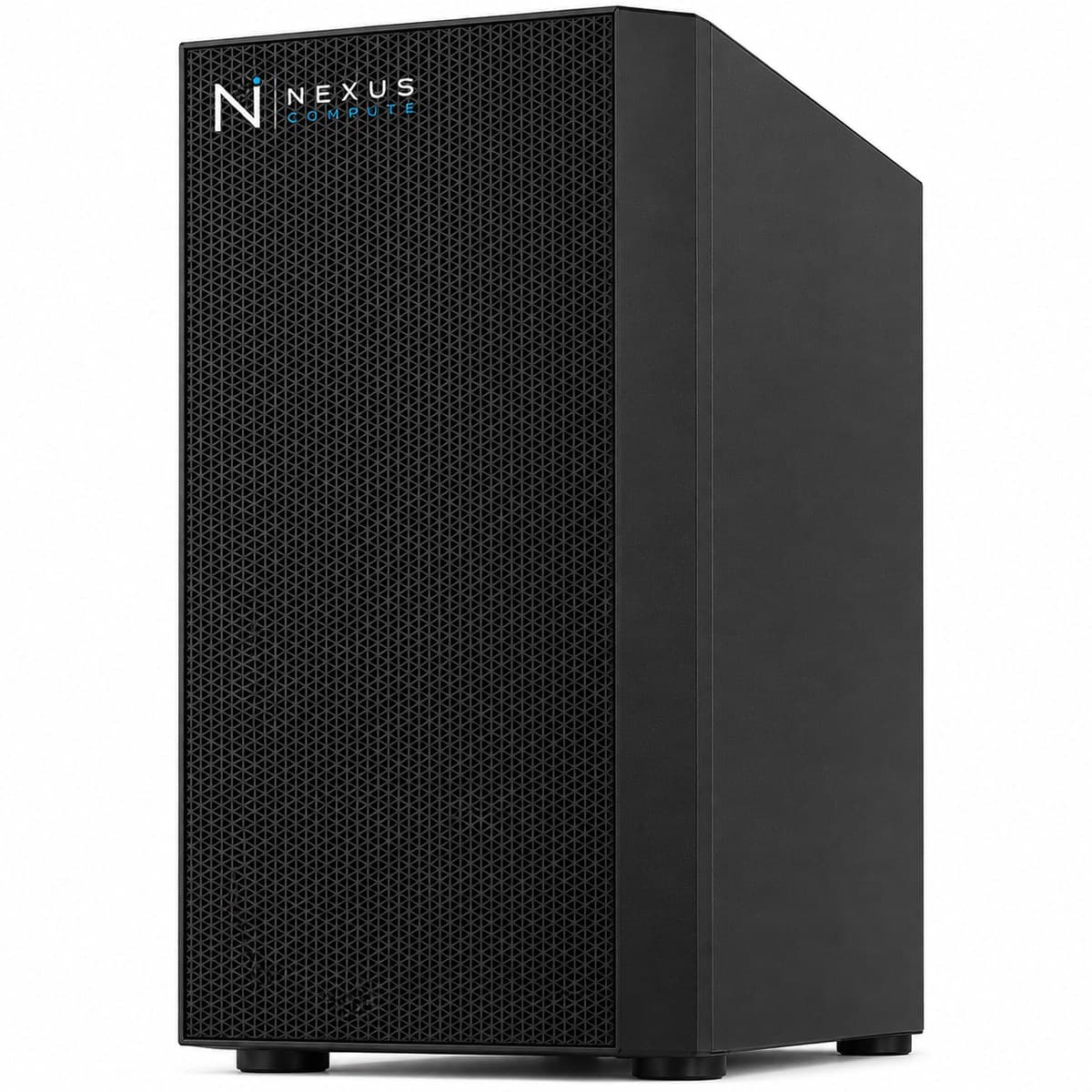
Configuration at a Glance
Tailored per engagement. Full technical overview below.
Configuration Options
Core specifications for this system. Every component is configurable to your workload, so request a quote for a tailored build.
NVIDIA RTX 5090 (32GB) or RTX PRO 6000 (96GB)
AMD Threadripper PRO (high I/O)
128GB–256GB DDR5 ECC
High-bandwidth NVMe + bulk dataset storage
Overview
The Computer Vision Workstation is specified for teams building image and video AI: object detection, segmentation, and visual inspection systems. Nexus Compute configures the GPU, fast storage, and I/O to handle the large visual datasets these workloads depend on. Vision work has a different bottleneck from language work. Vision models are usually small enough to fit in VRAM without difficulty; what limits them is getting data to the GPU. A detection dataset is millions of small files, each of which has to be read, decoded and augmented before the GPU sees it, so the machine is frequently limited by storage random-read performance and CPU decode throughput rather than by the card. The consequence for buyers is that spending the whole budget on the largest available GPU is usually the wrong allocation, because a mid-tier GPU that stays fed will out-produce a larger one that idles between batches. Video makes all of this more acute again, because decode cost and per-sample size both rise sharply. We specify against the shape of your data, not just the model you intend to train.
Who This Solution Is For
Business Benefits
Handles large visual datasets
High-throughput storage and I/O keep GPUs fed when training on large image and video corpora.
Faster annotation and training loops
GPU acceleration shortens the label-train-evaluate cycle that defines vision projects.
Configured for the workload
We balance VRAM, storage bandwidth, and CPU for vision pipelines specifically.
On-premises data control
Proprietary imagery and footage stay within your environment.
Typical Business Use Cases
Object detection and segmentation model training (YOLO, SAM, Detectron2)
Video understanding and action recognition
Visual inspection and defect-detection model development
Dataset annotation, augmentation, and preprocessing at scale
Staging millions of small image files on local NVMe rather than a network share
CPU-bound decode and augmentation pipelines feeding a single GPU
Iterating on model architecture where each run is measured in hours, not days
Developing models destined for edge or camera-side deployment
Industry Applications
Technical Overview
Built around RTX 5090 or RTX PRO 6000 GPUs with high-bandwidth NVMe storage for large image and video datasets, and ample system memory for data loading pipelines. The storage decision here is about random-read performance and sustained throughput rather than headline capacity: a dataset of millions of small files punishes any device that is only good at large sequential reads, and reading that dataset across a network share is usually slower than the GPU can consume it. Bulk capacity sits behind the fast tier for archive and raw footage, with the working set staged onto NVMe before a run. System memory in the 128GB to 256GB range is specified for the loader rather than the model: decode, augmentation and prefetch buffers all live there, and running several loader workers per GPU is what keeps the card busy. CPU choice follows the same logic: image decode and augmentation are CPU work, so a high-I/O, high-core part is specified deliberately rather than as an afterthought. Where the model is large enough to need it, the 96GB RTX PRO 6000 option covers high-resolution inputs and large batch sizes that 32GB will not hold.
| GPU Options | NVIDIA RTX 5090 (32GB) or RTX PRO 6000 (96GB) |
| CPU | AMD Threadripper PRO (high I/O) |
| System Memory | 128GB–256GB DDR5 ECC |
| Storage | High-bandwidth NVMe + bulk dataset storage |
| Software | OpenCV, PyTorch, CUDA, vision toolkits pre-installed |
| Operating System | Ubuntu 22.04 LTS |
| Warranty | 3-year on-site, next-business-day |
| RTX 5090 CUDA Cores | 21,760 |
| RTX PRO 6000 CUDA Cores | 24,064 |
| GPU Memory Bandwidth | 1,792 GB/s (GDDR7, both GPU options) |
| CPU Platform | sTR5 socket / WRX90 chipset, 8-channel DDR5 ECC, up to 128 PCIe 5.0 lanes |
Specifications are indicative and configured to each engagement. Request a quote for a configuration tailored to your requirements.
Warranty, Support & Fulfillment
Every system ships from an authorized channel, configured and tested, with the documentation enterprise buyers need: genuine product, backed by the full manufacturer warranty.
Enterprise Warranty
Full manufacturer warranty with optional on-site, next-business-day support and extended coverage.
Authorized Channel
Sourced through Tier-1 distribution and OEM partners (never grey market). Asset & warranty records included.
Lead Time & Deployment
48-hour quotes, then configured, burn-in tested, and delivered on a committed schedule.
Nationwide Fulfillment
Coordinated logistics, rack-and-stack, and delivery wherever your infrastructure lives.
Frequently Asked Questions
Why does storage matter so much for vision work?
Vision training is frequently I/O-bound: if storage cannot feed the GPU fast enough, the GPU sits idle. We specify high-bandwidth storage so the GPU stays utilized. The detail that catches people out is that vision datasets are millions of small files, so random-read performance matters more than sequential throughput, and a NAS or network share that looks fast on a file copy can be far too slow as a training source. The working set belongs on local NVMe; bulk and archive can live behind it.
Can it handle video as well as images?
Yes. We size storage and memory for video pipelines, which are more demanding than still-image workloads. Video raises both the per-sample size and the decode cost, so it pushes on CPU and system memory as much as on the GPU, and a configuration tuned for still images will often disappoint on video. If video is part of the plan even at low volume, tell us at quote stage, since it changes the CPU and storage recommendation more than it changes the GPU one.
How much VRAM do vision models need?
Less than language models, in most cases. Detection and segmentation networks are typically small in parameter count, and VRAM is consumed mainly by batch size, input resolution and activations rather than by weights. 32GB covers a lot of production vision work at sensible resolutions. Where it stops being enough is very high-resolution inputs, 3D or volumetric data, large batch sizes, or large vision-language models, which is when the 96GB option becomes the right answer rather than a luxury.
Do you support edge deployment of trained models?
We focus on the development workstation; we can advise on sourcing edge inference hardware separately if needed. What we will not do is imply that a model validated on a workstation GPU behaves identically on an edge accelerator: precision, operator support and memory limits all differ, and that gap belongs in your project plan. Tell us the intended deployment target at quote stage and we will at least make sure the development environment does not make the eventual conversion harder than it needs to be.
Does it ship assembled, and what is covered?
It arrives built, imaged and tested under load, with the operating system, drivers, CUDA and the vision toolchain installed and the versions documented. Warranty is 3-year on-site next-business-day. Remote access is normally over SSH or remote desktop; a tower should not be assumed to include out-of-band management, so if console-level remote control is a requirement in your facility, raise it before the order and we will confirm what the platform supports.
When would we need a server instead?
When training runs stop fitting into a working day on one GPU, when several engineers need to train simultaneously rather than in turn, or when a vision model has to run as a production service against live cameras. The first two are throughput problems that more cards solve properly; the third needs redundancy a tower does not have. In all three cases /products/gpu-servers is the right page, and we will tell you that rather than sell a second workstation into the same bottleneck.
Hardware Assistance
Configure the Computer Vision Workstation with Nexus Compute
Tell us your requirements and a hardware specialist will help you specify, configure, and quote the right system, typically within two business days. No obligation.