
Machine Learning Workstation
A balanced, configurable workstation tuned for everyday machine learning workflows.
We help you choose, configure, and deliver the right system. No obligation.
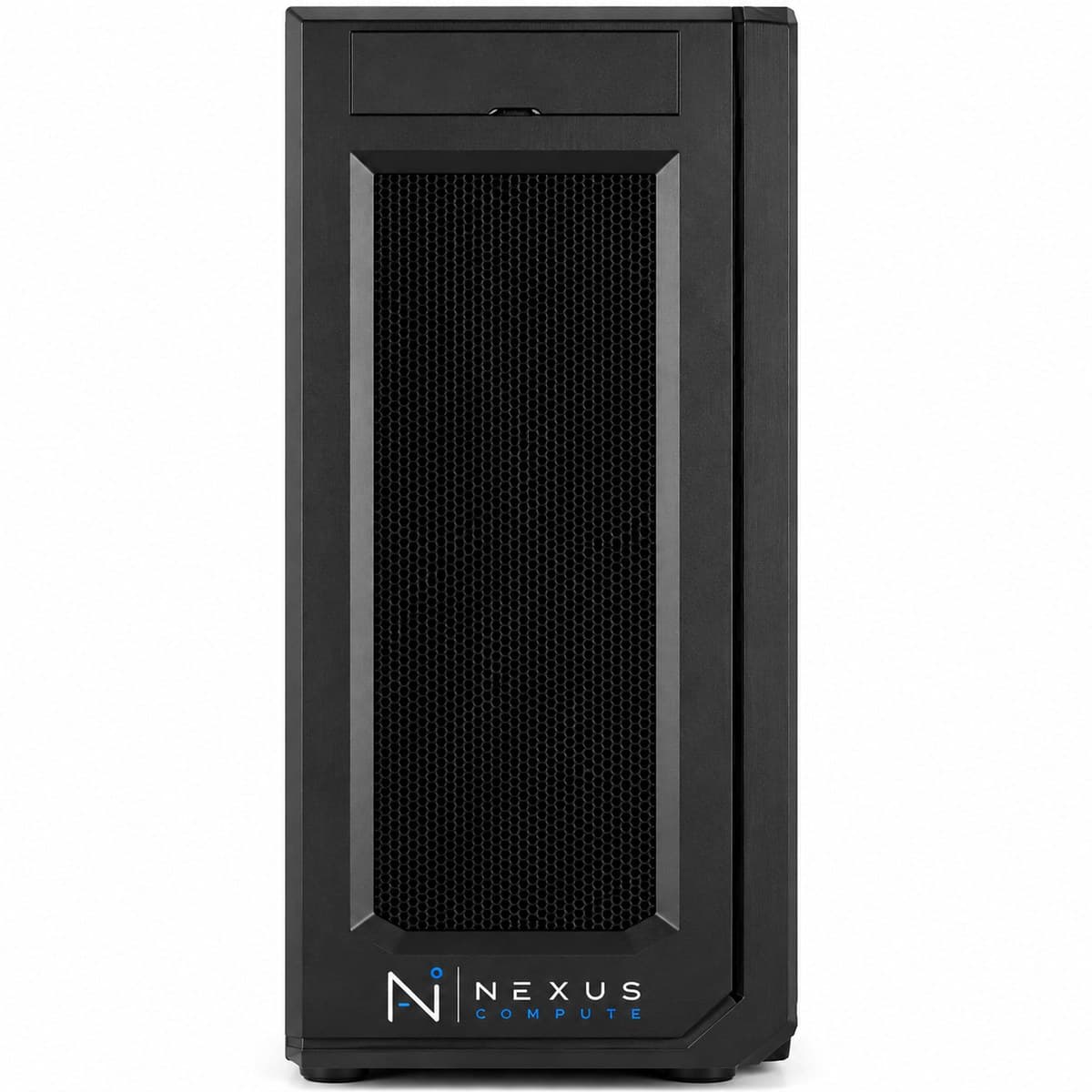
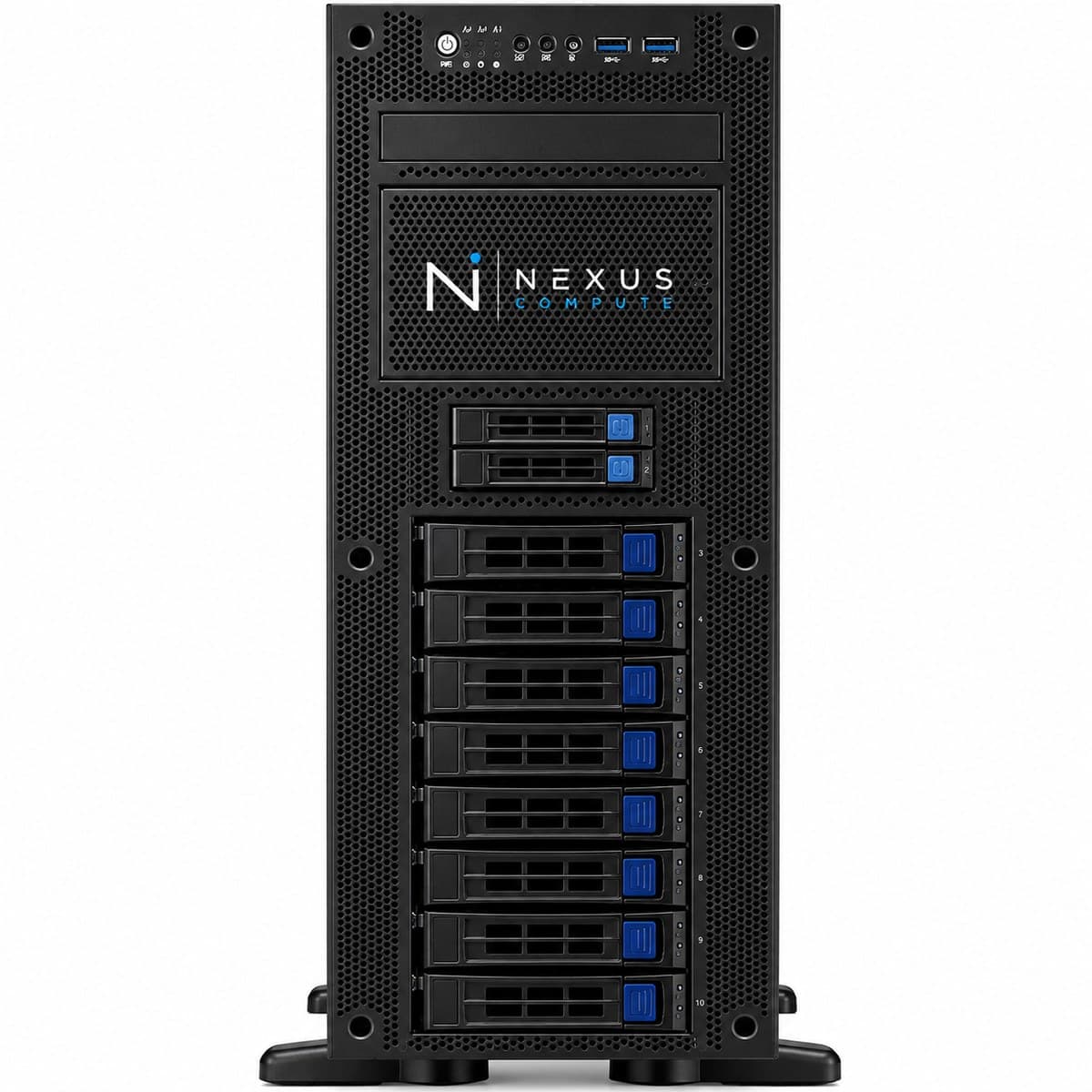
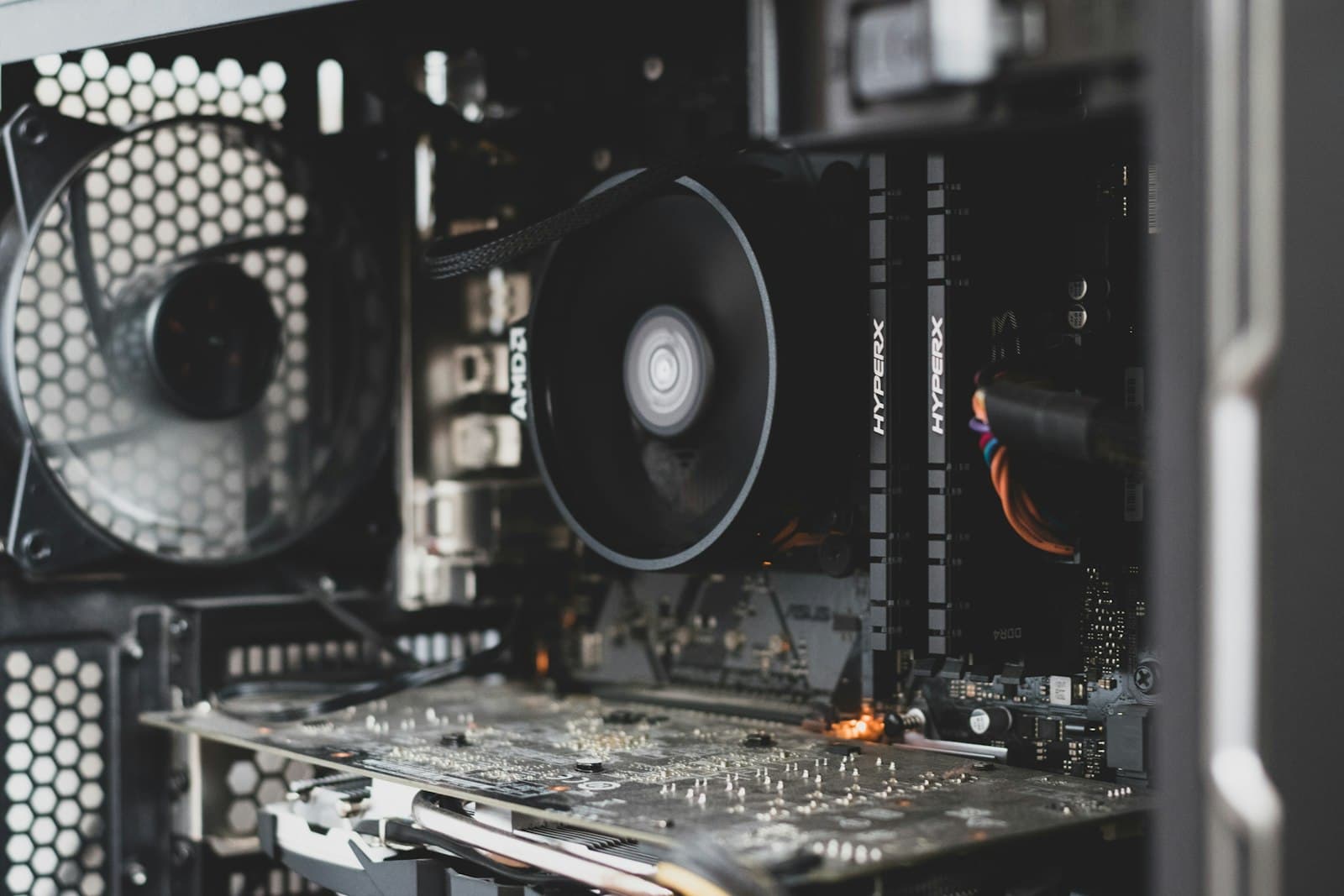
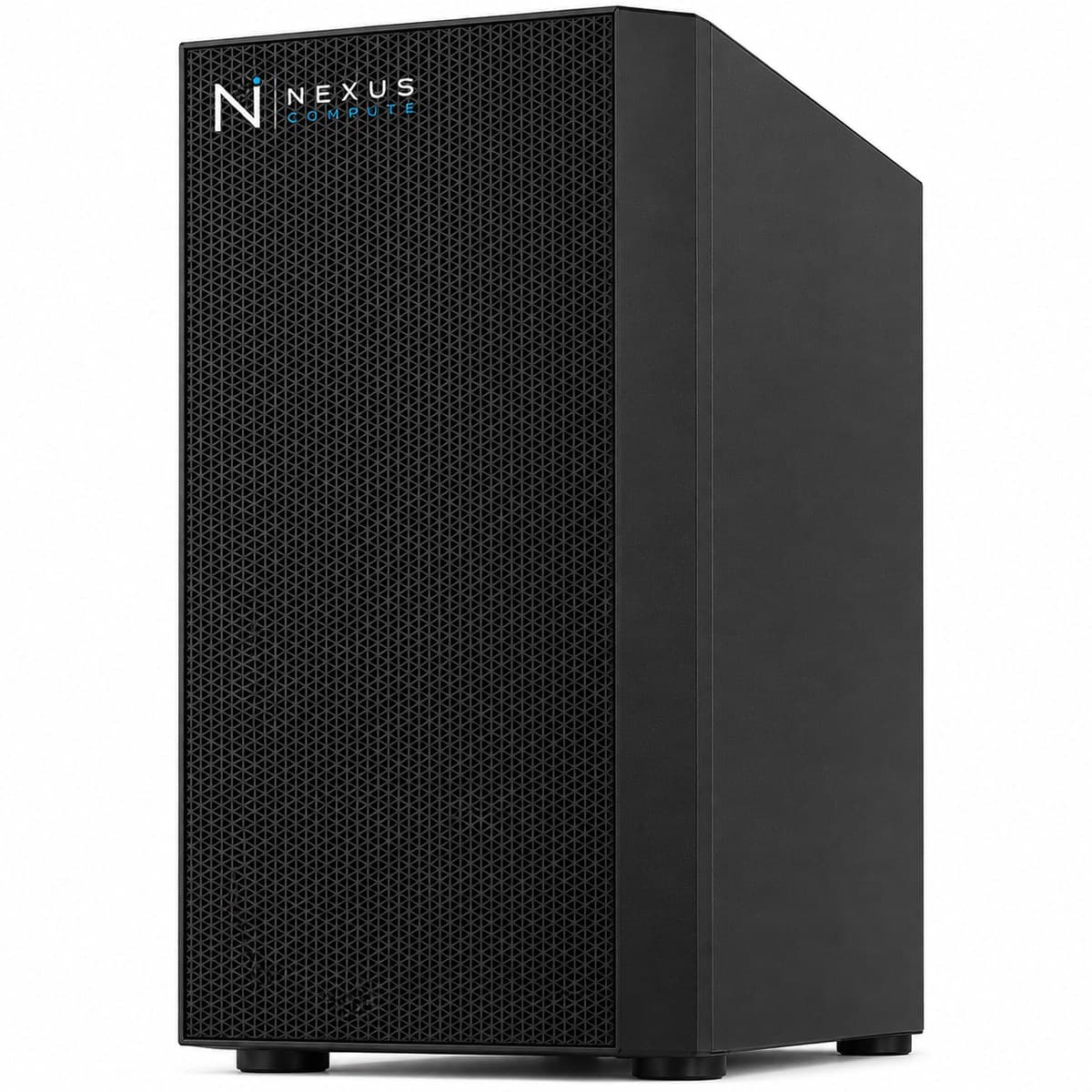
Configuration at a Glance
Tailored per engagement. Full technical overview below.
Configuration Options
Core specifications for this system. Every component is configurable to your workload, so request a quote for a tailored build.
NVIDIA RTX 5090 / RTX PRO series (configurable)
AMD Threadripper PRO or Ryzen 9 (configurable)
128GB–512GB DDR5 ECC
Configurable NVMe + bulk dataset storage
Overview
The Machine Learning Workstation is a flexible, GPU-accelerated system specified for teams whose work spans data preparation, model training, and evaluation. Rather than a fixed SKU, Nexus Compute tunes the GPU, memory, and storage balance to your specific ML pipeline and budget. Most real ML work is not one bottleneck but three in rotation: preprocessing that is CPU- and memory-bound, training that is GPU-bound, and data loading that is disk-bound. A machine specified only around its GPU tends to spend a surprising share of its life waiting on the other two. That is why the configuration is decided from your pipeline rather than from a price point: we ask what fraction of a typical week is spent in each stage, how large your datasets are, and how many people share the machine. If the answer turns out to be that your models are small and your bottleneck is feature engineering, the right recommendation may be more cores and memory with a modest GPU, and we will say so. If the answer is many concurrent users or production serving, the right recommendation is not a workstation at all.
Who This Solution Is For
Business Benefits
Configured to your pipeline
We balance GPU, CPU, memory, and storage around your actual workloads instead of a one-size-fits-all spec.
Faster iteration
GPU acceleration shortens training and evaluation cycles, increasing the number of experiments your team can run.
Right-sized investment
We recommend the configuration that fits your workload and budget, with no over-buying.
Advisory included
Our specialists help translate your ML requirements into the right hardware specification.
Typical Business Use Cases
Supervised and unsupervised model training
Feature engineering and large-scale data preprocessing
Model evaluation, benchmarking, and hyperparameter search
Notebook-driven experimentation with GPU acceleration
Gradient-boosting and classical ML at a scale that outgrows a laptop
Fine-tuning open-weight models with LoRA where full training is out of scope
Staging and reshaping datasets on local NVMe before a training run
Standing up a reference configuration to replicate across a team
Industry Applications
Technical Overview
A configurable platform supporting NVIDIA RTX-class GPUs, high-core-count CPUs, and large ECC memory capacities. We finalize the exact specification with you based on your dataset sizes, model types, and throughput targets. Three sizing rules drive most of those conversations. First, VRAM sets the ceiling on model size: roughly two bytes per parameter at BF16 and roughly half a byte at 4-bit, plus headroom for activations, optimiser state and context. Second, system memory should comfortably exceed twice the VRAM, because data loaders, augmentation and checkpoint writes all live in system RAM and a starved loader leaves the GPU idle. Third, storage should be fast enough to keep the loader fed: dataset staging belongs on local NVMe, with bulk or archival data on slower capacity behind it, because training that reads from a network share is frequently limited by the network rather than by anything you paid for. Configurations run from 128GB to 512GB of DDR5 ECC, and we size within that range against your largest realistic dataset rather than your current one.
| GPU Options | NVIDIA RTX 5090 / RTX PRO series (configurable) |
| CPU | AMD Threadripper PRO or Ryzen 9 (configurable) |
| System Memory | 128GB–512GB DDR5 ECC |
| Storage | Configurable NVMe + bulk dataset storage |
| Operating System | Ubuntu 22.04 LTS or Windows 11 Pro |
| Software | PyTorch, TensorFlow, scikit-learn, CUDA pre-installed |
| Warranty | 3-year on-site, next-business-day |
| GPU Memory Bandwidth | Up to 1,792 GB/s (GDDR7, both RTX 5090 and RTX PRO 6000 options) |
| GPU VRAM Range | 32GB (RTX 5090) up to 96GB ECC (RTX PRO 6000) |
| GPU Interface | PCIe 5.0 |
| CPU Platform | sTR5 socket / WRX90 chipset, 8-channel DDR5 ECC, up to 128 PCIe 5.0 lanes |
Specifications are indicative and configured to each engagement. Request a quote for a configuration tailored to your requirements.
Warranty, Support & Fulfillment
Every system ships from an authorized channel, configured and tested, with the documentation enterprise buyers need: genuine product, backed by the full manufacturer warranty.
Enterprise Warranty
Full manufacturer warranty with optional on-site, next-business-day support and extended coverage.
Authorized Channel
Sourced through Tier-1 distribution and OEM partners (never grey market). Asset & warranty records included.
Lead Time & Deployment
48-hour quotes, then configured, burn-in tested, and delivered on a committed schedule.
Nationwide Fulfillment
Coordinated logistics, rack-and-stack, and delivery wherever your infrastructure lives.
Frequently Asked Questions
How is this different from the RTX 5090 AI Workstation?
This is a configurable platform. We tune the components to your specific ML workflow. The RTX 5090 AI Workstation is a fixed, optimized configuration. If you are unsure which fits, our specialists will advise. In practice, choose the fixed configuration when your work is clearly GPU-bound and you already know 32GB of VRAM suits your models; choose this one when the balance between CPU, memory, storage and GPU is genuinely open, or when part of your pipeline is heavy preprocessing rather than training.
How much VRAM and system memory do I actually need?
Work from the largest model you expect to run, not the one you are running now. Weights take roughly two bytes per parameter at BF16 and roughly half a byte at 4-bit, and training adds optimiser state and gradients on top, which is why LoRA-style methods fit where full fine-tuning does not. For system memory, aim comfortably above twice your VRAM: data loading, augmentation and checkpointing all happen there, and an underspecified host is the most common reason a new machine feels slower than expected.
Can you match a specification we already have?
Yes. Share your target specification and we will source and configure to match, or suggest improvements where they add value. We will also tell you where we think the specification is unbalanced: a common one is a large GPU behind too little system memory or a slow disk, which produces a machine that looks strong on paper and idles in practice. You are free to take the recommendation or not; the point is that you see it before the order rather than after.
Do you support multi-workstation rollouts?
Yes. We can standardize a configuration and image across a fleet for team-wide consistency. That means one validated component list, one documented software image with pinned versions, and asset records per unit, so IT supports one configuration rather than a collection of similar ones. If the rollout is large or staged across sites, the Enterprise AI Workstation is specified for exactly that and is usually the better starting point.
Does it arrive built and configured?
Yes, assembled, imaged and tested under load, with the operating system, drivers, CUDA toolchain and your frameworks installed and versions documented. Nothing arrives as a parts list. The documented version set is what lets you reproduce the environment later or replicate it on another machine, which matters more than it seems the first time a result cannot be reproduced.
When does this stop being the right answer?
When several people need it at once, when a trained model has to be served with an availability commitment, or when a single training run no longer fits on one machine. Workstations are single-tenant tools; adding users to one produces queuing rather than throughput. If any of those apply, look at /products/gpu-servers, and we will help you weigh a server against two more workstations honestly rather than default to whichever is larger.
Hardware Assistance
Configure the Machine Learning Workstation with Nexus Compute
Tell us your requirements and a hardware specialist will help you specify, configure, and quote the right system, typically within two business days. No obligation.