
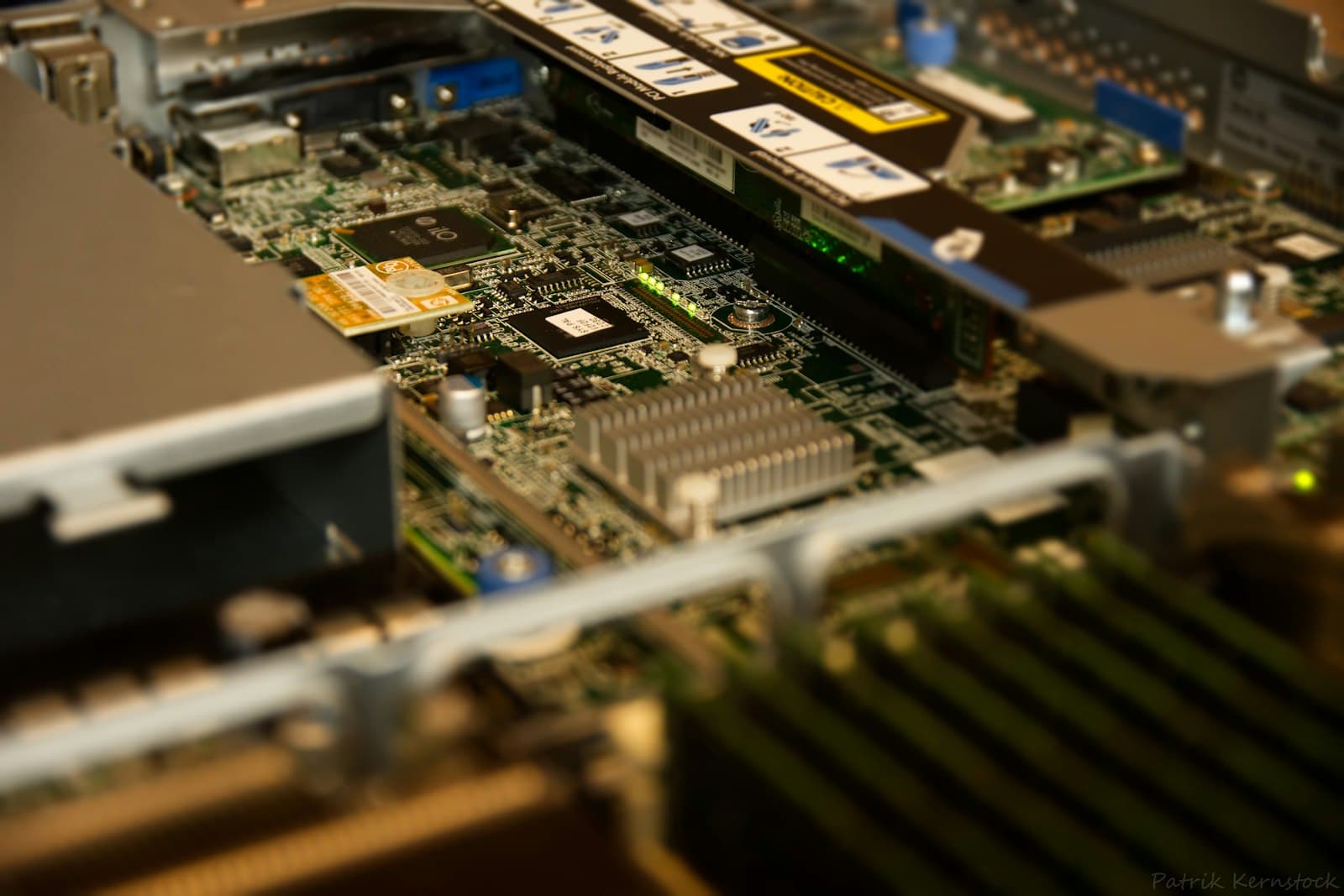
What Is the Best Server Boot Drive: BOSS Card, Mirrored M.2 or SATA SSD?
Boot most servers from two enterprise M.2 SSDs in hardware RAID 1 on a dedicated device such as Dell BOSS. Mirrored SATA SSDs in bays are the fallback.
The boot drive is the cheapest component in a server and one of the most disruptive to lose. When it fails, the host goes down even if every data drive is healthy and redundant. That is why the answer to the best boot drive question is less about the drive and more about the layout: two small enterprise SSDs, mirrored, on a device that is separate from the data array. This guide covers the options on Dell, HPE, Lenovo and Supermicro servers, when mirroring is worth it, and how to size the drives.
What is the best boot drive for a server?
For a general-purpose server or hypervisor host, a pair of enterprise M.2 SSDs in hardware RAID 1 on a dedicated boot controller. It leaves every front bay for data, isolates the OS from problems on the main RAID controller, and lets the host keep running when one boot drive fails. The next best option is two enterprise SATA SSDs in front bays, mirrored on the main controller. A single drive, M.2 or SATA, belongs only on nodes that are deliberately stateless.
Large GPU systems follow the same pattern. The NVIDIA DGX H200 and DGX B200 both boot from two 1.92TB NVMe M.2 SSDs in RAID 1, kept separate from eight 3.84TB NVMe U.2 drives striped in RAID 0 for data cache. Mirror the OS, stripe the scratch space: that split is a sound template for most servers.
What is a Dell BOSS card?
BOSS stands for Boot Optimized Storage Solution. It is a small dedicated controller that carries two M.2 SSDs and mirrors them in hardware RAID 1, presenting a single boot volume to the operating system. Because it is separate from the PERC RAID controller, all the front bays remain available for data, and the OS does not depend on the health of the data array. Dell has released several BOSS versions across PowerEdge generations; later versions added hot-plug M.2 carriers that can be replaced without opening the server, and the newest use NVMe M.2 drives instead of SATA.
BOSS modules take Dell-qualified M.2 drives, so replacements should be the part specified for your BOSS version and PowerEdge generation. Nexus Compute can confirm the right part from the service tag or the existing drive's part number, and supplies Dell PowerEdge servers with BOSS configured at order time.
What do HPE, Lenovo and Supermicro use instead?
- HPE ProLiant: the NS204i boot device, which mirrors two M.2 NVMe SSDs in hardware RAID 1 and presents one boot volume, independent of the main storage controller. See HPE ProLiant servers.
- Lenovo ThinkSystem: the SR630 takes up to two mirrored M.2 boot drives alongside its front bays, and the SR650 up to two M.2 boot drives in RAID 1.
- Supermicro: many platforms, including the SYS-821GE-TNHR GPU server, provide two M.2 slots for boot next to the hot-swap NVMe bays. Whether the pair is mirrored in hardware depends on the platform's onboard RAID support, so confirm it in the motherboard documentation.
- Rack-scale systems: each compute tray in an NVIDIA DGX GB200 NVL72 boots from a single 1.92TB M.2 NVMe drive, a design that suits nodes provisioned centrally as part of a larger system.
Should the OS drive be mirrored?
Yes, for any server that holds local configuration or runs a hypervisor. A failed unmirrored boot drive means an outage, a reinstall and a rebuild of the host's configuration, which costs far more in staff time than a second small SSD costs up front. With a mirror, the host stays up, the management controller raises an alert, and the failed drive is swapped at a convenient time. The mirror does not replace a configuration backup: it protects against a drive failure, not against a bad update or a misconfiguration, which are copied to both drives instantly.
The exception is the stateless node: a server provisioned from an image by PXE boot or configuration management, where rebuilding a node is routine and automated. In a large cluster built that way, a single boot drive per node is a reasonable trade, as the GB200 NVL72 tray design shows. Lab and test machines fall in the same category. Hardware or software mirror? Linux can mirror its boot volume with md RAID (the EFI system partition needs extra care), and Windows Server can mirror its system disk. VMware ESXi has no software RAID of its own, so an ESXi host needs a hardware mirror such as BOSS, NS204i or an M.2 RAID kit to get a redundant boot device.
Mirror the boot device on anything with state, keep it separate from the data array, and use enterprise SSDs with power-loss protection, not consumer drives or SD cards.
M.2 boot controller or SATA SSDs in the front bays?
- Dedicated M.2 boot controller: keeps all front bays for data and isolates the OS from the main RAID controller. On older designs, replacing an M.2 drive means opening the chassis.
- Two SATA SSDs in front bays: hot-swappable from the front with standard 2.5-inch drives, and available on servers with no M.2 boot option. The cost is two data bays and an OS that shares the main controller with the data array.
- Single M.2 SSD on the motherboard: lowest cost, no redundancy. Suitable for stateless or lab nodes only.
How big should a boot drive be, and how much endurance does it need?
Operating systems and hypervisors need little space. 480GB is a comfortable size for most hypervisors and Windows or Linux servers, with room for logs, updates and crash dumps; larger drives make sense only if the boot volume also holds local applications. Boot drives see modest write volume, so a read-intensive enterprise SSD (around 1 DWPD) is normally enough. Choose a mixed-use drive if the host writes heavy local logs. Whatever the size, buy an enterprise SSD with power-loss protection, so an unexpected power cut cannot corrupt the OS mid-write. For M.2, check which lengths the slot or boot card accepts. Enterprise M.2 SSDs are often the longer 110mm M.2 22110 size, which leaves room for power-loss-protection capacitors, while many boot slots are built for 80mm M.2 2280 drives.
Are SD cards and USB sticks still acceptable boot media?
Not for new builds. Dual SD card modules were once a common way to boot hypervisors, but VMware has moved away from SD card and USB boot media for current ESXi releases because newer versions write more to the boot device than flash cards are built for. Use a mirrored SSD boot device instead, and plan the change at the next refresh on hosts that still boot from SD cards. The same applies to single USB boot sticks on small servers: they were never designed for continuous duty, and they fail without the warning an SSD gives through its health counters.
Nexus Compute supplies boot devices, M.2 and SATA enterprise SSDs and complete servers new through authorized distribution, with the full manufacturer warranty. Send us the server model and OS, and we will confirm a compatible boot configuration and quote it within 48 business hours.
Frequently asked questions
What is the best boot drive for a server?
Two small enterprise M.2 SSDs mirrored in hardware RAID 1 on a dedicated boot controller, such as Dell BOSS or HPE NS204i. If the server has no M.2 boot option, use two enterprise SATA SSDs in front bays mirrored on the main RAID controller. Around 480GB with power-loss protection suits most operating systems and hypervisors.
What is a Dell BOSS card?
BOSS (Boot Optimized Storage Solution) is a Dell PowerEdge boot controller that mirrors two M.2 SSDs in hardware RAID 1 and presents one boot volume. It is separate from the PERC controller, so front bays stay free for data. Newer versions use NVMe M.2 drives and hot-plug carriers.
Should the OS drive be mirrored?
Yes, on any server that holds local state or runs a hypervisor, because a boot drive failure takes the host down even when the data array is redundant. Stateless nodes that are reimaged automatically can use a single boot drive.
Can I replace a BOSS M.2 drive with any M.2 SSD?
Use the Dell-qualified M.2 drive specified for your BOSS version and PowerEdge generation. BOSS versions differ in interface (SATA or NVMe) and carrier design. The part number on the existing drive or the server's service tag identifies the right replacement.
Does VMware ESXi support software RAID for the boot drive?
No. ESXi has no built-in software RAID, so a redundant ESXi boot device needs a hardware mirror such as Dell BOSS, HPE NS204i or an M.2 RAID kit, or two SSDs mirrored on a RAID controller.
Systems covered in this article
Enterprise M.2 SSDs
M.2 SATA and NVMe drives for boot devices, in 2280 and 22110 lengths.
480GB Enterprise SSDs
The usual boot mirror capacity, in SATA and NVMe.
Dell PowerEdge Servers
PowerEdge configurations with BOSS boot specified at order.
Lenovo ThinkSystem Servers
ThinkSystem platforms with mirrored M.2 boot options.
Planning a hardware investment?
Tell us what you're trying to build. A procurement specialist will help you specify and quote the right configuration within 48 business hours, no obligation.