
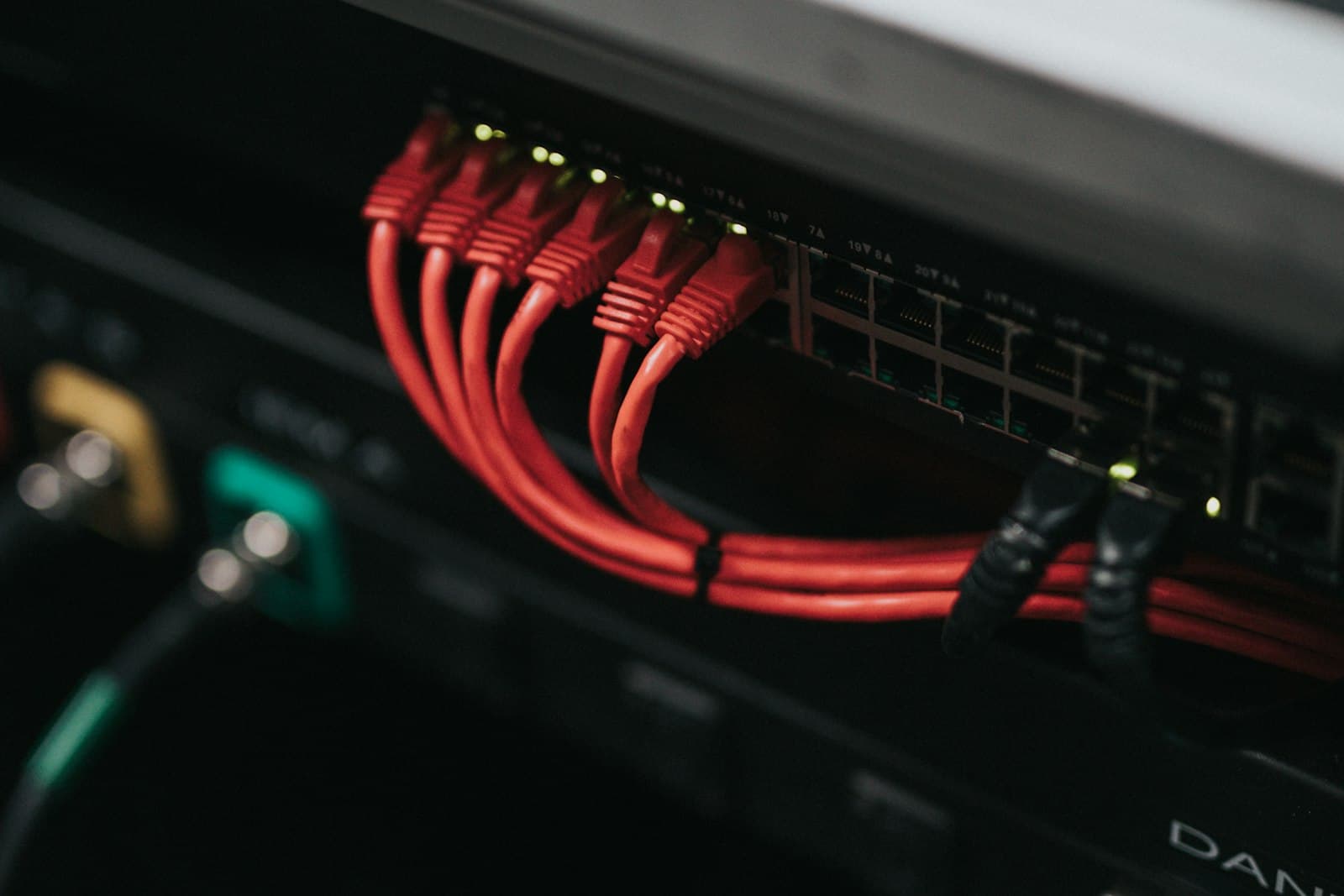
Upgrading Servers From 10GbE to 25GbE: NICs, Switches and Cables
25GbE gives servers 2.5x the bandwidth of 10GbE in the same SFP form factor. You need SFP28 NICs, 25G switch ports and DAC or OM3/OM4 fibre.
For most server refreshes, yes, move to 25GbE. It gives each server port 2.5 times the bandwidth of 10GbE on the same SFP form factor, the same kind of fibre and the same port count, and 25G is the lane rate that 100GbE switch ports are built from. The upgrade is three purchases (server NICs, switch ports and cabling) plus a check of your existing fibre plant. Done in the right order, 25GbE can run alongside 10GbE for the whole migration. This guide covers when the upgrade pays off, what each piece needs, and the compatibility details behind most links that refuse to come up.
Should I upgrade from 10GbE to 25GbE?
Upgrade when the network, not the server, is setting the pace. The usual signs are storage traffic over the network (iSCSI, NFS, NVMe-oF, vSAN or Ceph), live migration and backup windows that run long, dense virtualization hosts whose 10GbE uplinks run hot at peak, and new servers whose local NVMe drives can move data far faster than a 10GbE port. The other good trigger is a switch refresh that is already due: at that point, specifying 25G-capable switches is the obvious move. Stay on 10GbE when utilization is low and stable, when the servers themselves are near end of life, or when the switches cannot run 25G and are not due for replacement. Upgrading NICs without switch ports that can use them buys nothing.
Why 25GbE rather than 40GbE for servers? 40GbE runs four 10G lanes in a QSFP+ port. 25GbE runs one 25G lane in an SFP28 port, so a 25G server port uses one lane of switch capacity rather than four, and it is a quarter of a 100GbE QSFP28 port, which is also four 25G lanes. That is why 25GbE displaced 40GbE as the default server speed.
Can SFP28 ports run 10G?
Generally yes. SFP28 is mechanically the same as SFP+, and most SFP28 switch ports and server NICs accept SFP+ optics and DACs and run at 10G. The FortiGate 1800F spec shows the idea plainly: its 12 high-density ports are listed as 25GE SFP28 / 10GE SFP+. Three caveats cause most failed links:
- Speed may need setting manually. Auto-negotiation behavior differs between platforms, and on some switches speed is configured for a group of ports rather than per port.
- Both ends must run the same speed. An SFP28 optic in a 10G-only SFP+ port will not run at 25G, and a 25G optic should not be assumed to drop to 10G unless it is specified as dual-rate.
- Forward error correction must match. 25G links commonly use FEC (RS-FEC or BASE-R FEC, depending on cable type and length), and a FEC mismatch between the NIC and the switch is one of the most common reasons a 25G link stays down.
What cables do I need for 25GbE?
- Inside the rack: SFP28 passive direct-attach copper (DAC) from server to top-of-rack switch. The lowest-cost, lowest-power option for runs of a few meters.
- Across racks: 25GBASE-SR optics over multimode fibre. The Cisco-coded and Arista-coded 25G SFP28 SR 850nm modules are rated to 100m on OM4. OM3 supports shorter runs (70m under the 25GBASE-SR standard).
- Active optical cables (AOC): a middle option for row-level runs where a fixed-length cable is simpler than optics plus patching.
- Longer distances: singlemode LR optics, for links between rooms or buildings.
- RJ45: not a practical option. 25GBASE-T exists as a standard but is rarely deployed; plan server connections on SFP28.
Existing fibre is often reusable. OM3 and OM4 multimode with LC duplex connectors carries 25G SR, so the patching you installed for 10G SR can stay if it is OM3 or better and within the distance limits. OM1 and OM2 fibre is not suitable for 25G SR. Our cabling guide for high-density racks covers DAC, AOC and fibre planning in more depth.
Which switches support 25GbE servers?
There are two routes. One is a top-of-rack switch with native SFP28 ports. The other, common in leaf-spine designs, is a 100G switch whose QSFP28 ports break out to 4x 25G using a breakout DAC (one QSFP28 end, four SFP28 ends) or breakout optics. The 100G leaf switches Nexus Compute supplies all support 25G this way:
- Cisco Nexus 9336C-FX2: 36x QSFP28 at 1/10/25/40/50/100G, with 4x10G or 4x25G breakout per port, 1RU, NX-OS or ACI mode.
- Arista 7050CX3-32S: 32x 100GbE QSFP with breakout to 4x25G or 4x10G, a 32 MB shared packet buffer, 1RU, Arista EOS.
- NVIDIA Spectrum-3 SN4600C: 64x 100GbE QSFP28 supporting 10/25/40/50/100GbE, a 64 MB fully shared buffer, 2U, Cumulus Linux or SONiC.
- Cisco Nexus 93600CD-GX: 28x QSFP28 at 10/25/40/50/100G plus 8x QSFP-DD up to 400G, for sites that want 400G uplinks from the same leaf.
Do the port arithmetic before ordering. On a 32-port 100G leaf, breaking out 24 ports gives 96 server-facing 25G ports and leaves 8 ports at 100G for uplinks. Dual-homing each server to a pair of leaf switches halves the servers per pair but removes the switch as a single point of failure. See leaf-spine switches for the full range.
What NIC do I need in the server?
A dual-port SFP28 adapter is the standard choice. A PCIe 3.0 x8 slot or better has enough bandwidth for two 25GbE ports at line rate. Beyond speed, check RDMA (RoCE v2) support if your storage or hyperconverged platform uses it, SR-IOV for virtualization, driver support for your exact OS or hypervisor version, and whether your OEM server takes a standard PCIe card or an OCP 3.0 mezzanine. Browse 25Gb/s network adapters by brand and form factor.
Buy the 25G switches first. SFP28 ports can host 10G servers during the migration, so each server moves to 25G when its NIC is swapped, not on a single cutover night.
How do you migrate without a big-bang cutover?
- Install the new 25G leaf pair alongside the existing 10G switches and connect both to the same core or spine.
- Move 10G servers onto the new SFP28 ports first, using their existing SFP+ optics or DACs set to 10G.
- Swap server NICs to dual-port SFP28 host by host in maintenance windows, then set the ports to 25G with matching FEC.
- Replace SFP+ optics with 25G SR or SFP28 DAC as each server moves, and confirm fibre grade on any reused patching.
- Retire the 10G switches once the last host has moved.
Nexus Compute supplies server NICs, 100G leaf switches, breakout cables and platform-coded 25G optics, new and sourced through authorized distribution, and checks every part against your switches and servers before dispatch. Send your server count, switch model and rack layout via request a quote and we will return a bill of materials and pricing within 48 business hours.
Frequently asked questions
Should I upgrade from 10GbE to 25GbE?
Yes, if servers carry storage, live migration, backup or hyperconverged traffic that regularly pushes 10GbE links, or if your switches are due for replacement anyway. 25GbE delivers 2.5x the bandwidth per port in the same SFP form factor. If links are lightly used and the servers are near end of life, 10GbE can stay.
Can SFP28 ports run 10G?
Generally yes. SFP28 ports on most switches and NICs accept SFP+ optics and DACs and run at 10G, though speed may need to be set manually and both ends must match. Do not assume a 25G optic will run at 10G unless it is specified as dual-rate.
What cables do I need for 25GbE?
SFP28 passive DAC for short in-rack runs, 25GBASE-SR optics over OM3 or OM4 multimode across racks (up to 100m on OM4), AOCs for fixed-length row runs, and singlemode LR optics for longer distances. 25GBASE-T over RJ45 is rarely deployed.
Can I reuse my existing 10G fibre for 25GbE?
Yes, if it is OM3 or OM4 multimode with LC duplex connectors and the runs are within 70m on OM3 or 100m on OM4. OM1 and OM2 fibre is not suitable for 25G SR. Singlemode runs can carry 25G LR optics.
Is 25GbE better than 40GbE for servers?
For server connections, generally yes. 25GbE uses a single lane in an SFP28 port, while 40GbE uses four 10G lanes in a QSFP+ port. A 100G QSFP28 switch port breaks out into four 25G server ports, which makes 25GbE the more efficient use of switch capacity.
Systems covered in this article
Planning a hardware investment?
Tell us what you're trying to build. A procurement specialist will help you specify and quote the right configuration within 48 business hours, no obligation.