
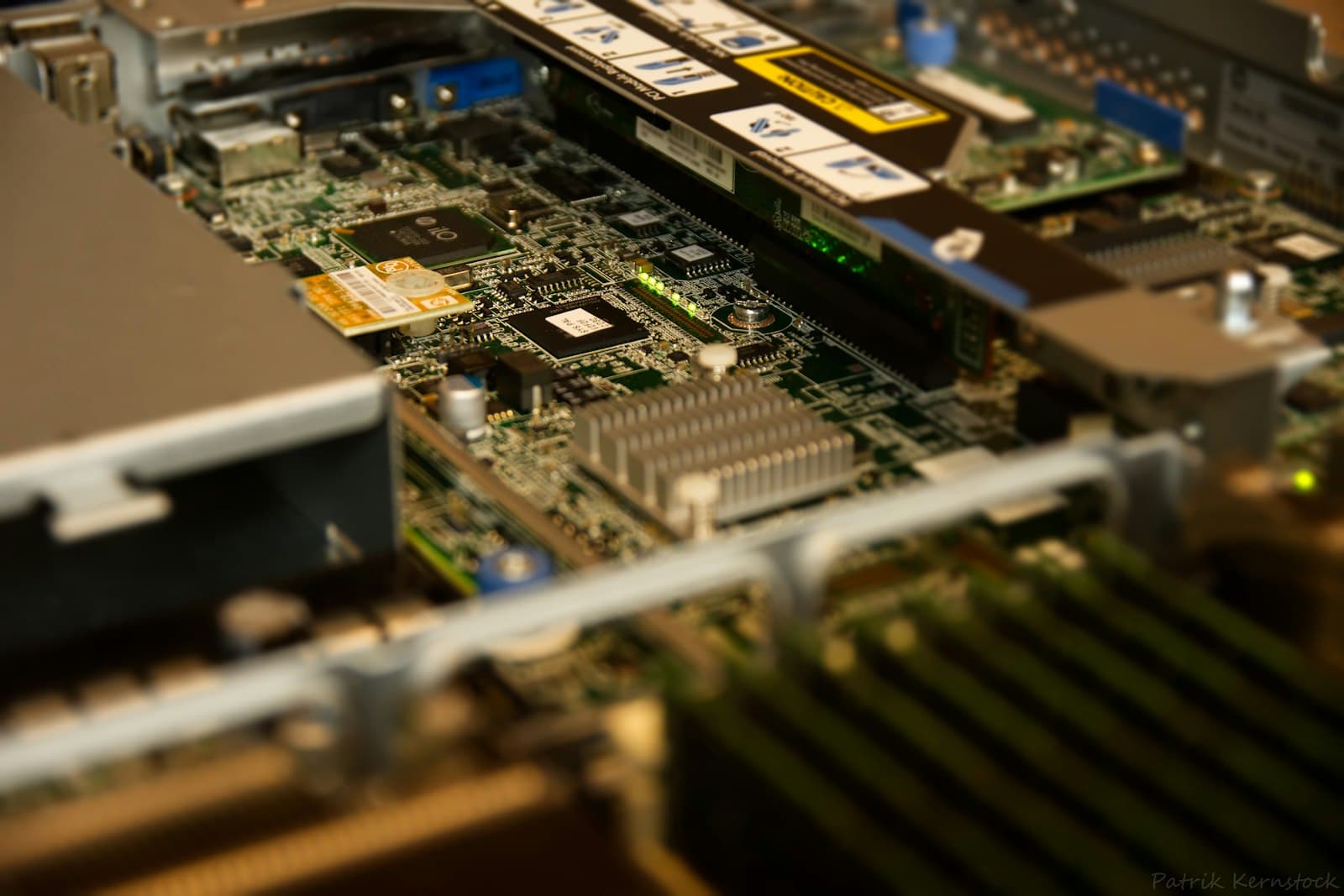
Your Server Is End of Life: How Do You Source Spare Parts Safely?
Buy standard parts for an end-of-life server new, match drive format, carrier and memory type, hold critical spares, and know when to replace instead.
An end-of-life notice does not mean a server stops working. It means the manufacturer has stopped selling it, and at a later date will stop supporting it with parts, repairs and firmware. Plenty of organizations keep EOL servers in service for years, running stable workloads that do not justify a migration. That can be a sound decision, provided you source spare parts carefully and decide in advance where the line sits between repairing a server and replacing it.
What does end of life actually mean for a server?
Manufacturers usually move a platform through several stages. End of sale means you can no longer order the system new. End of standard support follows later: new contracts and renewals may no longer be offered, parts supply through the manufacturer shrinks, and BIOS and firmware releases slow and then stop. Some manufacturers offer extended or post-warranty support for a period after that. The dates are published per product, so check the lifecycle notice for your exact model and generation rather than assuming. The practical consequence is uneven. Parts unique to the platform, such as system boards, backplanes, risers and proprietary power supplies, get harder to find. Standard components that the platform shares with newer systems, such as SAS drives and registered ECC memory, often stay in production much longer.
Where can I get parts for an end-of-life server?
- The manufacturer, while your support contract is still active. This is the first call for system boards, backplanes and anything platform-specific.
- Authorized distribution, for standard components still in production: enterprise SAS hard drives, ECC server memory, SSDs, and many RAID controllers and network adapters.
- OEM-branded replacement drives, which ship in the manufacturer's carrier and state which platform generations they are qualified for.
- Your own spares pool, built while parts are still easy to buy.
- Not from sources that cannot document a part's origin. Pulled or relabeled parts can carry unknown wear or mismatched firmware, and a bad replacement during a degraded RAID rebuild is the worst possible moment to find out.
Which EOL server parts are still available new?
Drives are the most common replacement, and 2.5-inch 10K RPM 12Gb/s SAS drives remain in production from several manufacturers. The Toshiba AL15SE 600GB, the Seagate Exos 10E2400 600GB and the WD Ultrastar C10K 600GB are all dual-port, CMR, 512e drives in the SFF form factor. For arrays built on 512n drives, the Seagate Exos 10E300 300GB is a 512n 10K SAS option.
OEM-branded drives solve the carrier problem. The Dell 600GB 10K SAS PowerEdge drive includes a Dell hot-plug carrier and is qualified for PowerEdge 13G to 16G. The HPE 600GB 10K SAS ProLiant drive ships in an HPE Smart Carrier for ProLiant Gen9 to Gen11. The Lenovo ThinkSystem 600GB 10K SAS drive comes with a ThinkSystem hot-swap tray for SR and ST series servers.
How do I match a replacement drive or DIMM to an old server?
OEM-branded or bare drives can both work, but check three things. First, the carrier: a bare drive needs a tray that fits your chassis, and a drive that sits loose in a bay or misaligns with the backplane connector is a failure in waiting. Second, qualification: some RAID controllers and management tools flag drives they do not recognize, which can raise warnings or limit what monitoring reports. Third, sector format: the 600GB drives above are all 512e, while the Exos 10E300 is 512n. Some controllers will not mix the two in one array, and even where they do, matching the drive you are replacing is the safe choice. Match the interface as well. A 12Gb/s SAS drive works on an older 6Gb/s SAS controller at the lower speed, but a SATA drive should not replace a SAS drive in an existing array. If you are unsure what your controller supports, our guide to RAID controllers and HBAs explains the differences.
Memory is the other long-lived category. Older DDR3 platforms still take registered ECC modules such as the Samsung 8GB DDR3-1866 RDIMM (240-pin, dual rank, 1.5V, CL13) or the SK hynix 8GB DDR3-1600 RDIMM (240-pin, dual rank, 1.35V, CL11). Match type, speed, rank configuration and voltage to what is already installed and to the platform's population rules. Mixed speeds generally run at the speed of the slowest module, and mixing registered with unbuffered modules is not supported. Those two RDIMMs differ in rated speed and voltage, which is exactly the kind of detail to confirm against your server's memory configuration guide before you order.
Should I stock spare drives and power supplies?
Yes, for any EOL server that still runs something you care about. Once manufacturer support ends, the time to replace a failed part is set by how quickly you can find one, not by a contract. Keep a small, documented pool:
- Drives: at least one spare of each model, capacity and sector format in service, and more for large arrays or drives bought in a single batch.
- Power supplies: one spare per PSU model, because a redundant pair runs unprotected while one unit is out.
- Fans: one or two of each fan module, as they are small to store and often platform-specific.
- Memory: one DIMM of each installed type, to clear a failed-module alert quickly.
- Platform-specific parts such as a RAID controller or backplane, if the server is critical and those parts are already scarce.
- Process: treat spares as inventory, not a drawer. Test drives on arrival, record model, firmware and purchase date, store parts in antistatic packaging, and refill the pool every time you use a spare.
When should I replace an EOL server instead of repairing it?
Repair makes sense while failures are limited to standard, replaceable parts. Replacement makes sense once any of these are true:
- BIOS and BMC security updates have stopped, and the server sits on a network you care about.
- A platform-specific part fails, such as the system board, backplane or a proprietary riser, and no documented replacement exists.
- Your operating system or hypervisor drops support for the processor generation or storage controller.
- The workload has outgrown the memory, storage or network capacity the platform can take.
- Several old servers draw more power and cooling than a smaller number of current servers would need for the same work.
When you reach that point, plan the replacement rather than reacting to a failure. Our guide to hardware refresh cycles covers timing and budgeting, and current Dell PowerEdge, HPE ProLiant and Lenovo ThinkSystem platforms can often consolidate several older machines into one.
Buy EOL spares while they are easy to find. The day you need one is the worst day to start looking.
Nexus Compute supplies new OEM-branded and bare enterprise drives, server memory and components sourced through authorized distribution, with the full manufacturer warranty. Send us the server model and the part numbers you are replacing, and we will check compatibility against your platform before dispatch and quote within 48 business hours.
Frequently asked questions
Where can I get parts for an end-of-life server?
Start with the manufacturer while any support contract is active, then use authorized distribution for standard components still in production, such as 10K SAS drives and ECC server memory. OEM-branded drives include the correct carrier and state which platform generations they are qualified for. Avoid sources that cannot document a part's origin.
Should I stock spare drives and power supplies?
Yes, for any EOL server that still runs important work. Keep at least one spare drive of each model and sector format in service, one power supply per PSU model, and a fan module or two. Once manufacturer support ends, your spares pool sets how fast you can recover.
When should I replace an EOL server instead of repairing it?
Replace it when BIOS and BMC security updates have stopped, when a platform-specific part such as the system board fails, when your OS or hypervisor drops support for the hardware, or when the workload has outgrown it. Repair is reasonable while failures are limited to standard parts like drives, fans and DIMMs.
Can I use a newer drive in an older server?
Often yes, if the interface, form factor, sector format and carrier match. A 12Gb/s SAS drive works on a 6Gb/s SAS controller at the lower speed. Check platform qualification: the Dell 600GB 10K SAS drive, for example, is qualified for PowerEdge 13G to 16G.
What is the difference between 512e and 512n drives?
512n drives use 512-byte physical and logical sectors. 512e drives use 4K physical sectors but present 512-byte logical sectors for compatibility. When replacing a drive in an existing array, match the format of the drive you are replacing.
Systems covered in this article
Server hard drives
New SAS and SATA replacement drives, OEM-branded and bare.
Server memory
Registered ECC modules, including DDR3 for older platforms.
Hardware refresh cycles
How to time and budget the replacement of an EOL fleet.
Warranty and support contracts
What to buy on the replacement so you do not repeat the EOL scramble.
Planning a hardware investment?
Tell us what you're trying to build. A procurement specialist will help you specify and quote the right configuration within 48 business hours, no obligation.