
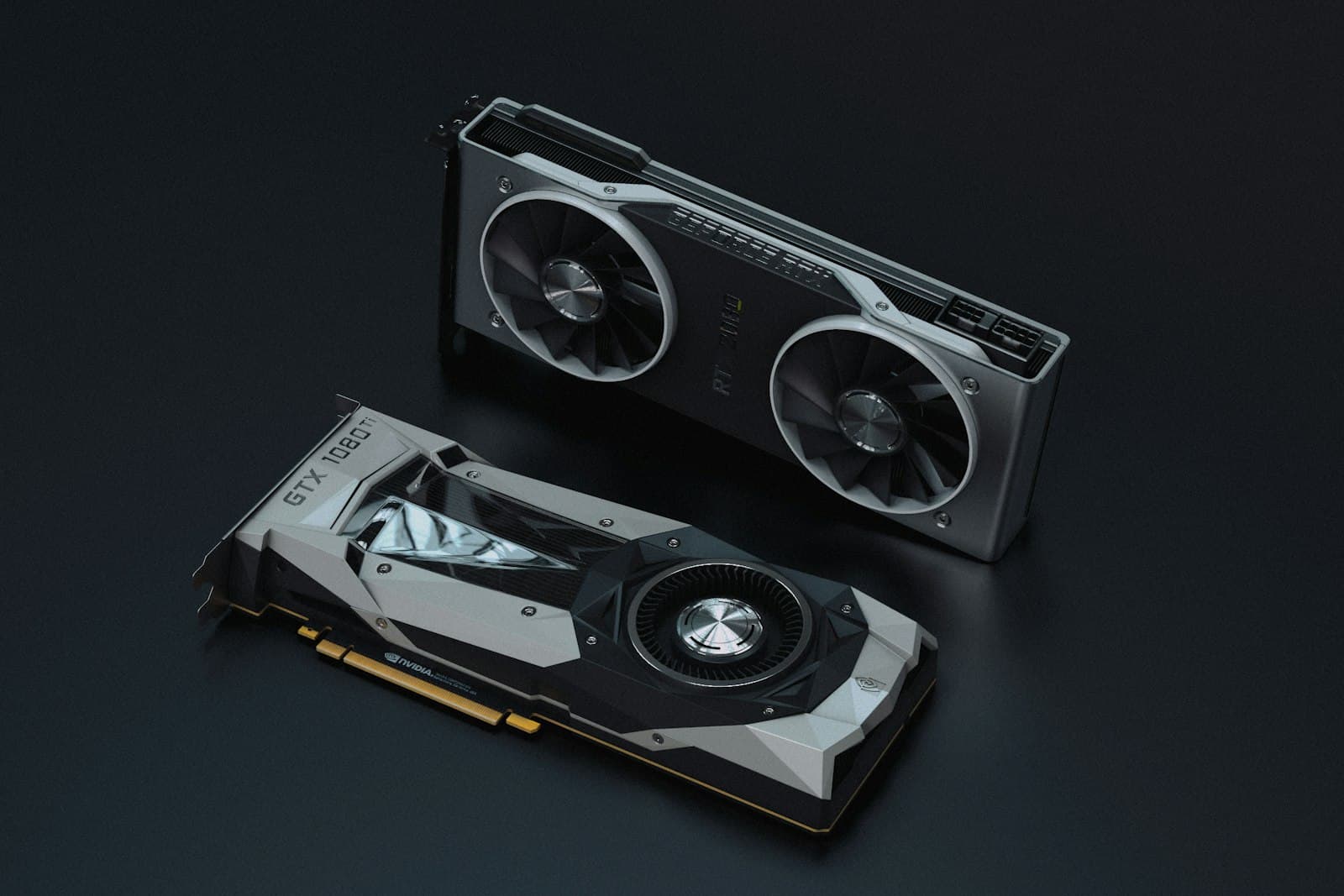
Dual RTX 5090 with NVLink: When 64GB Beats a Single Card
Two RTX 5090s give you 64GB of combined VRAM and parallel throughput, but NVLink, power, and cooling change the build. Here's when dual-GPU is the right call.
When a single RTX 5090 is no longer enough, the next step for many teams is two of them. A dual RTX 5090 workstation offers 64GB of combined GDDR7 and roughly double the parallel throughput (the practical ceiling of desktop AI compute before you move to a rack server). But adding a second card is not just dropping it in a free slot. NVLink behavior, power delivery, and thermals all change. This guide covers when dual-GPU makes sense and how to build it so it stays stable under sustained load.
What two cards actually buy you
There are two distinct wins, and they serve different needs. The first is throughput: you can run two independent workloads at once, or one workload that data-parallelizes across both GPUs, roughly doubling tokens per second or images per minute. The second is capacity through model parallelism: splitting a model across both cards' memory to run something larger than a single 32GB pool can hold. Be clear about which you need, because they have different software and interconnect implications.
Understanding NVLink and the 64GB number
It is important to set expectations correctly: 64GB combined is not the same as a single unified 64GB pool. Two 32GB cards on a platform with enough PCIe Gen5 lanes to run both at full x16 give you a workable path between the GPUs. There is no NVLink on the RTX 5090 (NVIDIA removed it from GeForce after the 3090), so the cards communicate over PCIe, which makes model-parallel and multi-GPU training meaningfully more efficient. But frameworks still see two devices, and a model split across them must be partitioned by your software. For a single contiguous large pool, an RTX PRO 6000 with 96GB ECC is the right tool. For parallel throughput and model-parallel scaling, dual 5090s with NVLink are excellent.
Power and cooling are where dual builds fail
Two RTX 5090s under sustained AI load draw serious continuous power and produce serious heat. This is the single most common point of failure in self-assembled dual-GPU machines. You need redundant, high-wattage power delivery sized with headroom, and a chassis and cooling design that maintains airflow across both cards under hours of full load, not a thermal solution tuned for short bursts. Get this wrong and the GPUs throttle, the system becomes unstable, or component life shortens.
When to choose dual 5090 over the alternatives
- Choose dual RTX 5090 when you need to run two workloads simultaneously or sustain higher throughput than one card allows.
- Choose dual RTX 5090 for workloads that fit in 32GB per card and parallelise cleanly, where two cards at full PCIe Gen5 x16 beat one.
- Choose a single RTX PRO 6000 (96GB ECC) instead when you need one large contiguous memory pool or ECC reliability.
- Move to a 4-GPU server when even two desktop GPUs and the power they demand outgrow a workstation chassis.
Nexus Compute sources and validates dual RTX 5090 workstations end to end, including the platform lanes to run both cards at full x16, redundant high-wattage power, and a cooling design tested under sustained dual-GPU load. You receive a stable, production-ready system, not an experiment, with warranty backing and a quote within 48 business hours.
Systems covered in this article
Planning a hardware investment?
Tell us what you're trying to build. A procurement specialist will help you specify and quote the right configuration within 48 business hours, no obligation.