Best AI Workstations for Enterprise AI Development in 2025
A practical guide to choosing the right AI workstation, covering RTX 5090, RTX PRO 6000, and dual-GPU configurations, with the trade-offs that actually matter for enterprise teams.
An AI workstation is the most cost-effective way to give a developer or researcher serious GPU compute at their desk. But the gap between a well-specified workstation and a poorly-specified one is enormous: in VRAM, in reliability, and in whether the machine is still useful in two years. This guide walks through how to choose.
Start with VRAM, not the GPU name
For AI work, the single most important specification is GPU memory. It determines the size of the models you can load and the batch sizes you can train with. The RTX 5090 offers 32GB of GDDR7, enough for most development, fine-tuning of mid-size models, and quantized inference up to roughly 70B parameters. The RTX PRO 6000 offers 96GB of ECC memory, which changes what is possible: full-precision work on large models without sharding across machines.
When ECC memory matters
Consumer GPUs like the RTX 5090 do not have error-correcting memory. For most development that is fine. But in regulated environments such as healthcare, financial services, and government, where a silent memory error could corrupt an AI output with real consequences, professional GPUs with ECC are the right call. They also carry certified drivers and longer support lifecycles.
Single, dual, or professional?
- Single RTX 5090 (32GB): the default for individual developers and small teams doing day-to-day AI development.
- Dual RTX 5090 (64GB via NVLink): for teams running larger models or two workloads at once, the ceiling of desktop compute.
- RTX PRO 6000 (96GB ECC): for enterprise production inference, regulated workloads, and the largest models a workstation can hold.
Don't forget the rest of the machine
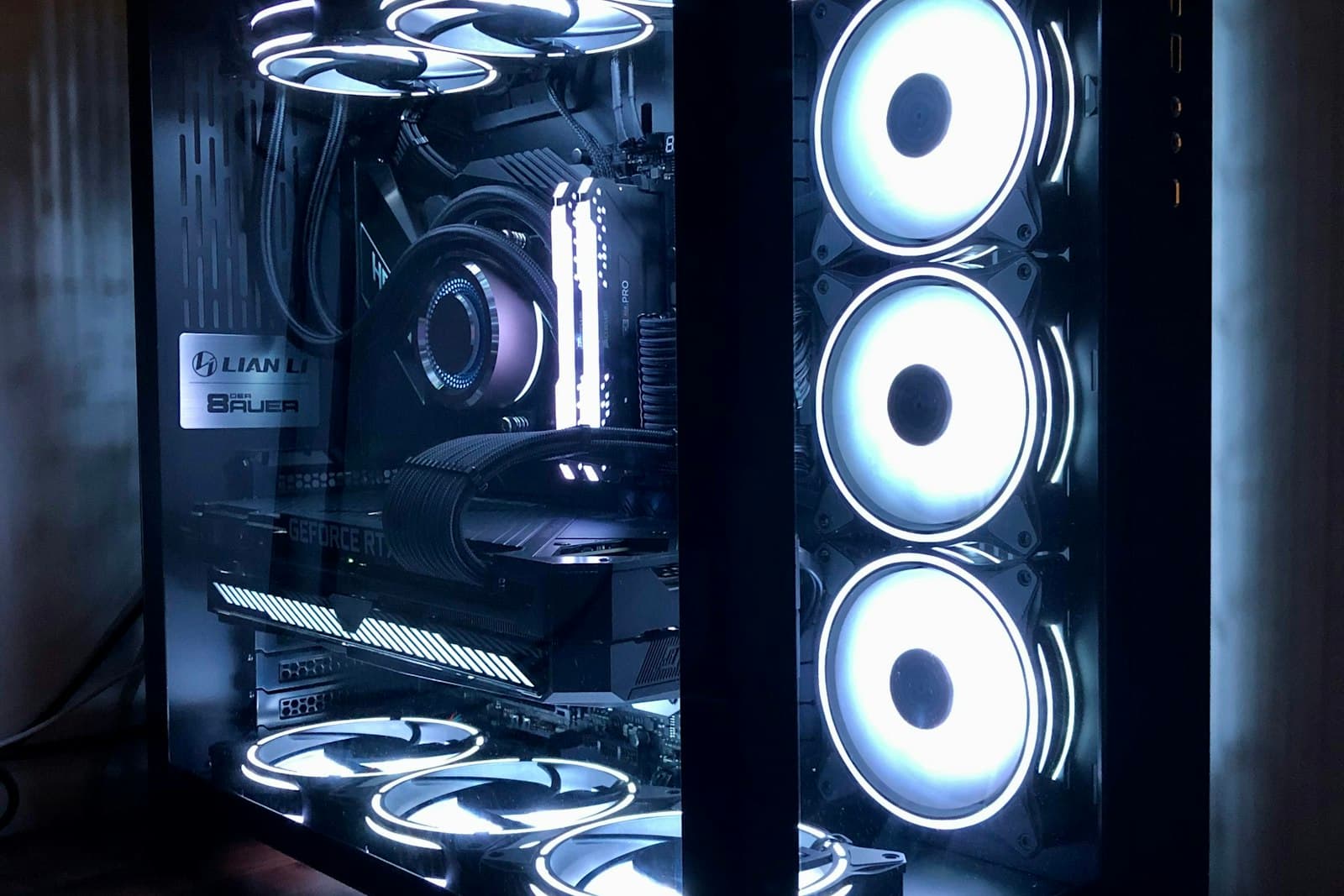
A fast GPU starved of data is wasted money. Pair it with a high-core CPU (AMD Threadripper PRO is the common choice), plenty of ECC system memory, and fast NVMe storage so the GPU stays fed during training. Power and cooling matter too, because a sustained AI workload runs hot, and an under-specified power supply or thermal design will throttle performance or shorten the machine's life.
How Nexus Compute helps
As an independent procurement partner, we help you turn your team's AI development needs into a concrete, validated configuration: genuine and fully warranted, quoted within 48 business hours. Our specialists configure first and quote second, so what you receive actually works on day one.
Planning a hardware investment?
Tell us what you're trying to build. A procurement specialist will help you specify and quote the right configuration within 48 business hours, no obligation.