
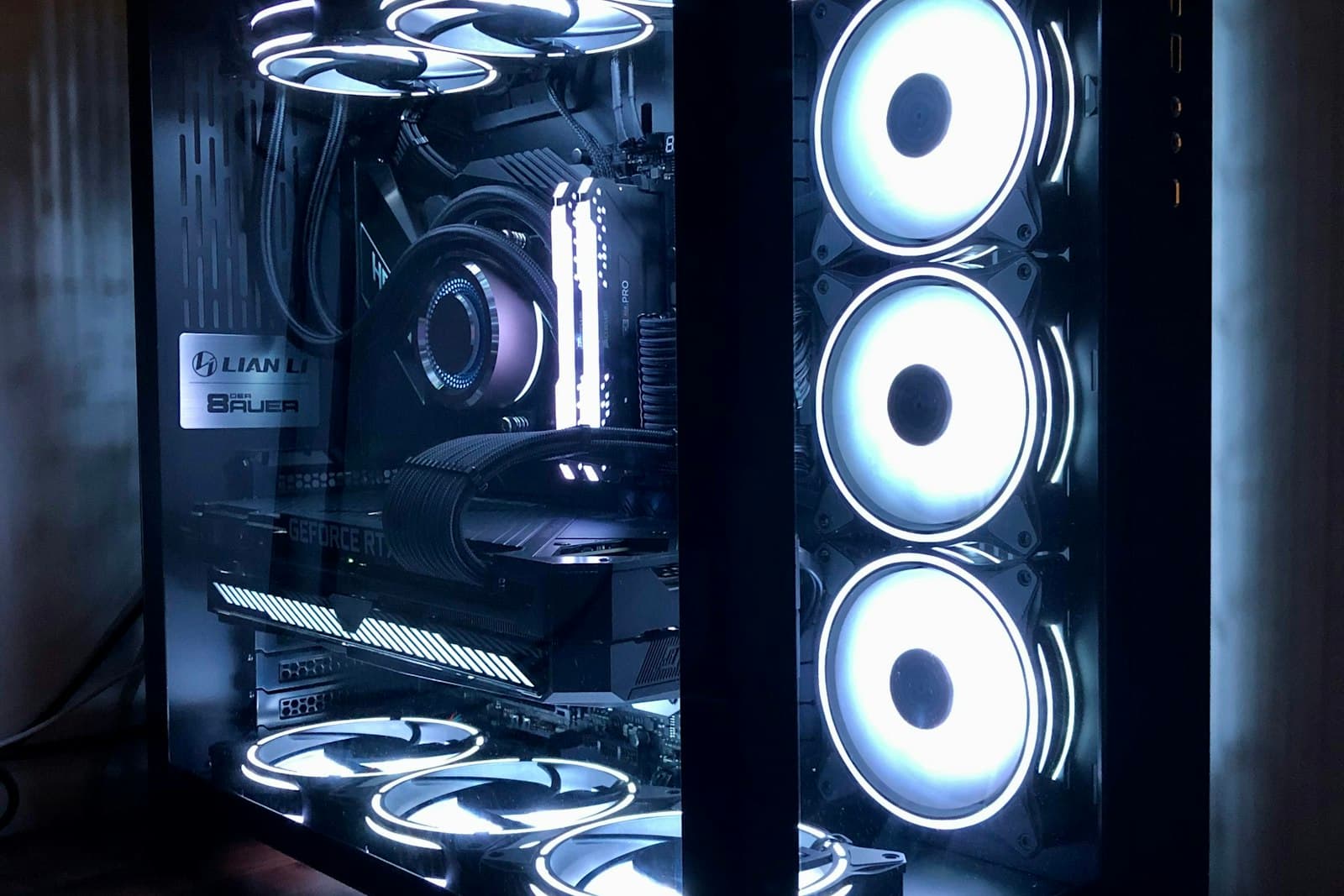
Cooling and Acoustics for AI Workstations: Air vs Liquid
A deskside AI workstation runs hot for hours. Here's how air, AIO, and custom liquid cooling trade off against noise, reliability, and serviceability.
Cooling is where AI workstation builds quietly succeed or fail. A machine that benchmarks beautifully for 30 seconds can throttle 15 to 20 percent off its clocks once a training run heats it through, and if it sits beside a person, fan noise becomes a daily quality-of-life issue. Because AI workloads pin GPUs and CPU near 100 percent for hours, sustained thermal behavior matters more here than in almost any other type of machine. This guide covers the real tradeoffs.
Why AI load is the hard case
Gaming pushes a GPU in bursts; AI training holds it at full power continuously. A card and CPU that coexist fine in a game can heat-soak the chassis over a long job until everything throttles. The relevant question is never the peak temperature in a quick test, but the steady-state temperature and clock the system holds after an hour at full tilt. Spec for the plateau, not the spike.
Blower vs axial GPUs in multi-GPU builds
GPU cooler design decides how many cards you can pack together. Axial (open-fan) cards cool one GPU well but dump heat into the case, so stacking two or three suffocates the cards in the middle. Blower-style cards exhaust heat straight out the back of the chassis, which is why dense multi-GPU workstations favor them despite being a little louder per card. Mixing the wrong cooler style with a tight slot layout is the most common cause of a quad-GPU build that throttles.
Air, AIO, and custom liquid
- Air cooling: most reliable and serviceable, no pump or coolant to fail. Excellent for single- and dual-GPU builds with proper airflow.
- AIO (all-in-one) liquid: lower CPU temperatures and often quieter for high-core Threadripper PRO chips; the pump is a long-lived but finite part.
- Custom liquid loops: the quietest option at a given heat load and the best for dense GPU density, but they add cost, complexity, and maintenance.
- Match the approach to the build: do not put a custom loop in a single-GPU box, and do not try to air-cool four blower cards in a cramped case.
Designing for quiet without throttling
Acoustics and cooling are the same problem viewed from two sides. The path to a quiet workstation is not slower fans. It is more thermal headroom, so fans can spin slowly and still hold temperatures. Larger heatsinks, a high-airflow case, well-planned intake and exhaust, and quality fans on a sane curve let a powerful machine stay civilized beside a desk. Undersizing the cooling and then turning fans down to quiet it just trades noise for throttling.
Deskside vs closet vs rack
Where the machine lives changes the right answer. A deskside workstation must balance heat removal against noise a person can tolerate all day. The same hardware in a separate closet or small server room can run louder, denser, and cooler because no one sits next to it. If acoustics are a hard constraint, the cleanest fix is often to relocate the box and connect remotely, rather than to fight physics with quieter-but-hotter components.
The temperature and clock a workstation holds after an hour at full load tell you more than any 30-second benchmark ever will.
Nexus Compute validates every workstation under sustained AI load, tuning cooling and fan curves so the machine holds its clocks without becoming unbearable beside a desk, then warranty-backs it and quotes within 48 hours.
Systems covered in this article
Planning a hardware investment?
Tell us what you're trying to build. A procurement specialist will help you specify and quote the right configuration within 48 business hours, no obligation.