
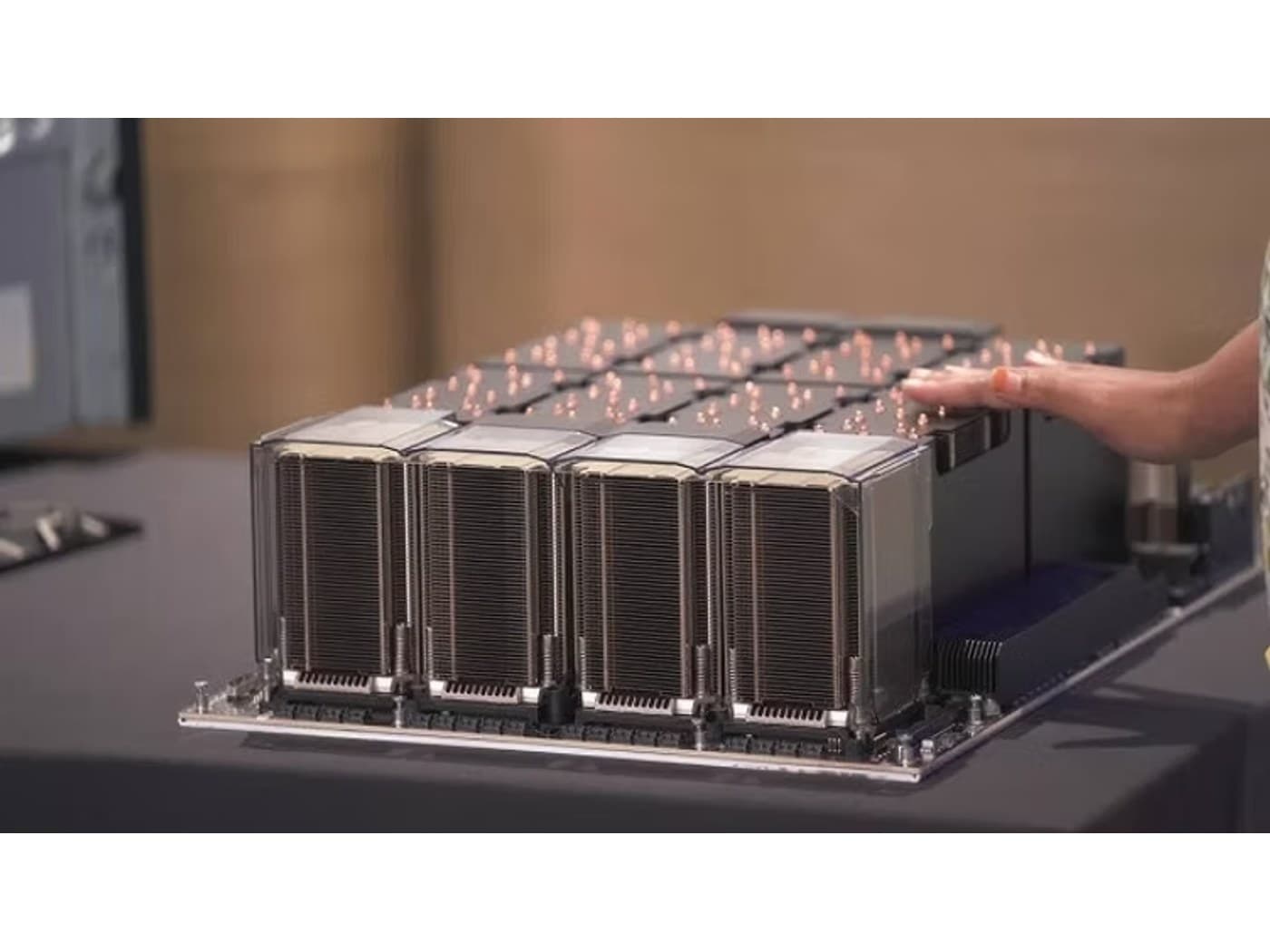
H100 Server Power & Cooling: Planning for 700W GPUs
An 8-GPU H100 node can draw over 10 kW and runs hot. Here is how to plan the power, the cooling, and the rack so the server runs at full performance.
The single most common reason an H100 server underperforms after delivery is not the GPUs. It is the facility around them. At up to 700W per SXM5 GPU, a dense H100 node concentrates more power and heat into a rack slot than most enterprise data halls were designed for. Planning power and cooling before the hardware arrives is what separates a server that runs at full clocks from one that throttles or trips a breaker.
Start with the real power budget
Size the supply to the whole system, not just the GPUs, and include headroom for transient spikes. An 8-GPU HGX node draws roughly 5.6 kW from the GPUs alone, and the complete system (dual CPUs, 1-2TB of memory, NVMe, and high-speed NICs) commonly lands around 10-10.5 kW. These chassis ship with multiple redundant power supplies and typically need dual high-amperage feeds, which often means 208V/three-phase rather than a standard single-phase circuit.
- Per-GPU: up to 700W (SXM5) or ~350W (PCIe).
- 8-GPU SXM5 system: commonly 10-10.5 kW total.
- 4-GPU SXM5 system: commonly 4-5 kW total.
- Plan PDU capacity and circuit type (often 208V) with transient headroom, not just steady-state draw.
Cooling is the harder constraint
Every watt of power becomes heat the room must remove. A single 10 kW node can exceed the cooling capacity of a rack provisioned for traditional enterprise servers, and packing several into one rack pushes rack density to 30-40 kW or beyond, far past what standard air handling supports. Air-cooled HGX chassis need high-static-pressure airflow and a hot-aisle/cold-aisle layout that is genuinely sealed; leakage and recirculation are what cause thermal throttling.
When liquid cooling stops being optional
Beyond a certain density, air cooling simply cannot keep up, and direct-to-chip liquid cooling moves from exotic to necessary. Liquid cooling removes heat far more effectively, allows the GPUs to sustain higher clocks, and lets you pack more compute per rack. It does require facility plumbing (coolant distribution units and manifolds), so it is a design decision to make up front, not a retrofit. For the densest H100 deployments, it is increasingly the default rather than the exception.
Plan the rack, not just the server
- Confirm per-rack power and cooling capacity before fixing node density.
- Verify floor loading: dense GPU servers are heavy.
- Seal hot and cold aisles to prevent recirculation and throttling.
- Decide air vs liquid cooling at design time, since each dictates the facility build-out.
Nexus Compute configures H100 servers against your actual rack power and cooling limits (air or liquid) and validates the thermal design so the system sustains full performance, returning a complete quote within 48 business hours.
Systems covered in this article
Planning a hardware investment?
Tell us what you're trying to build. A procurement specialist will help you specify and quote the right configuration within 48 business hours, no obligation.